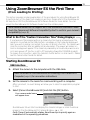
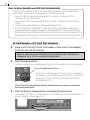
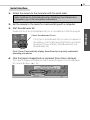
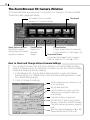
1
20
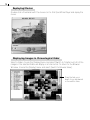
Replaying Movies
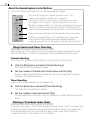
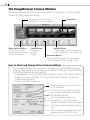
Double-click a thumbnail with the movie icon to start QuickTime Player and replay
the movie.
• If QuickTime 3.0 or a later version is not already installed, install it from the Canon
Digital Camera Solution Disk.
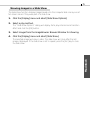
Displaying Images in Chronological Order
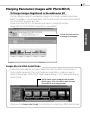
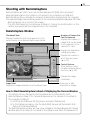
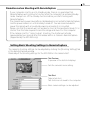
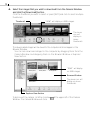
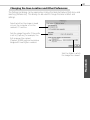
Select a folder or some images, click the [View] menu and select [TimeTunnel]. The
selected image(s) will display in a time tunnel. Please refer to the TimeTunnel Help file
for more details on how to operate this function.
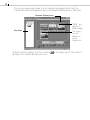
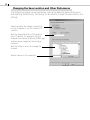
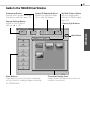
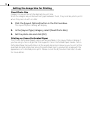
Drag the tab up or down to go
backward or forward in time. The
time tunnel will advance in the
selected direction.
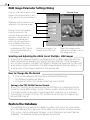
To quit TimeTunnel and return to
the ZoomBrowser EX window,
click this button.