1
GSTOOL 3.1 - User Manual
•
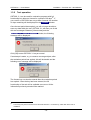
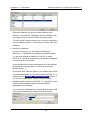
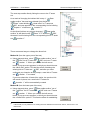
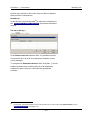
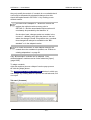
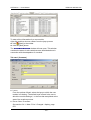
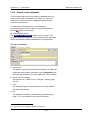
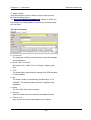
BPM user defined view
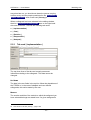
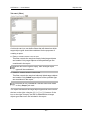
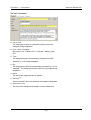
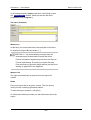
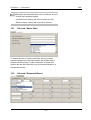
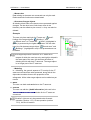
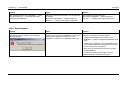
Tab card | Basic filter |
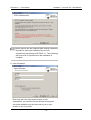
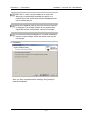
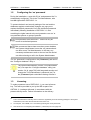
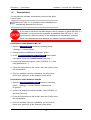
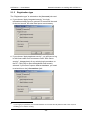
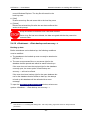
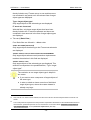
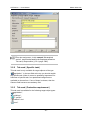
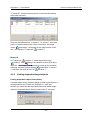
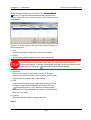
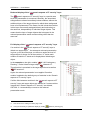
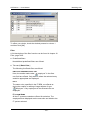
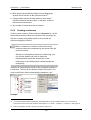
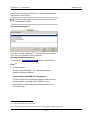
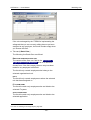
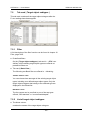
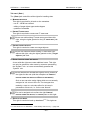
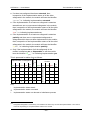
The following six Basic filter are offered:
SAFEGUARDS-CATALOGUE
Only safeguards from the selected catalogue are displayed.
USED BY MODULE
All the existing modules are offered for you to choose from.
The safeguards displayed are the ones that are currently
assigned to the selected module, i.e. taking into account
changes made by the user, irrespective of the assignment
laid down in the IT BPM.
SAFEGUARD FOR MODULE
All the existing modules are offered for you to choose from.
The safeguards displayed are the ones assigned to the
chosen module according to the IT BPM, irrespective of any
changes that the user has selectively made to this
assignment.
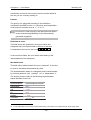
SAFEGUARD-RESPONSIBILITY FOR INITIALIZING
The employees offered for the user to choose from are those
who have been specified in →Modeling as being responsible
for the initiation of at least one safeguard.
IMPLEMENTATION BY
The employees offered for the user to choose from are those
who have been specified in →Modeling as being responsible
for the implementation of at least one safeguard.
METADATA TYPE
Through the appropriate selection, you can restrict the list to
user defined or “BSI-standard” safeguards.
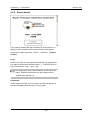
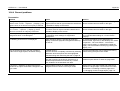
7.4.2
•
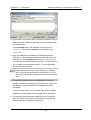
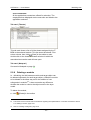
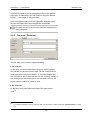
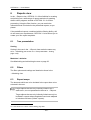
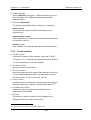
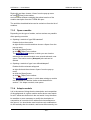
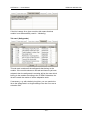
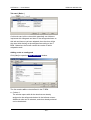
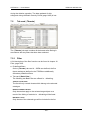
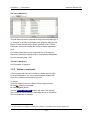
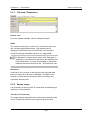
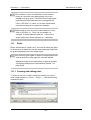
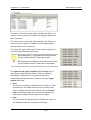
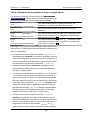
List of safeguards
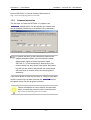
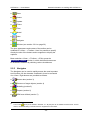
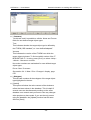
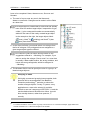
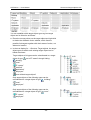
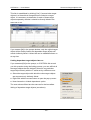
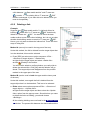
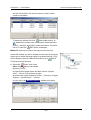
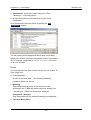
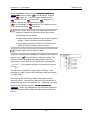
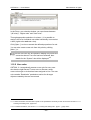
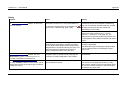
The NO. column
contains the numbers of the safeguards, as per the IT BPM.
The prefix “u” or “a” indicates whether the safeguard in
question is a user defined one or has been adapted.
•
The NAME column
gives the names of the safeguards.
•
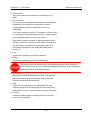
The TYPE column
specifies whether this is an original “BSI-standard” safeguard
- 180 -