1
4
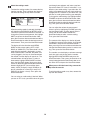
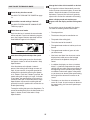
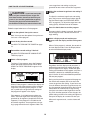
HOW TO CREATE A RECORD PROGRAM
1
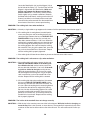
A moment after the button is pressed, the walking
belt will begin to move. Hold the handrails and
begin walking.
Insert the key into the console.
See HOW TO TURN ON THE POWER on page
13.
2
5
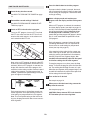
Select a display mode and program the
desired speed and incline settings.
Personalize console settings if desired.
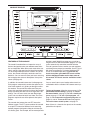
When a Record program is selected, the console
offers three display modes. Press the Display button repeatedly to select the desired display mode.
See HOW TO PERSONALIZE CONSOLE SETTINGS on page 13.
3
Press the Start button to start the program.
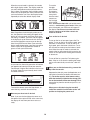
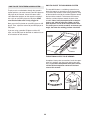
To program a speed setting and an incline setting
for the first one-minute segment of the program,
simply adjust the speed and incline of the treadmill
as desired by pressing the Speed and Incline buttons.
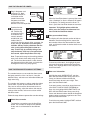
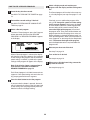
Select a Record program.
To select a Record program, press the Programs
button repeatedly until the words RECORD
PROGRAM 1 or RECORD PROGRAM 2 appear
in the display.
When the first segment ends, a series of tones will
sound and the current speed setting and the current incline setting will be saved in memory.
Program a speed setting and an incline setting for
the second segment as described above. Continue
programming speed and incline settings for up to
30 segments.
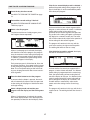
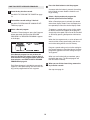
If the Record program has not yet been defined, the display will show a program time of
three minutes. If the program time is more than
three minutes, see HOW TO USE A RECORD
PROGRAM on page 22.
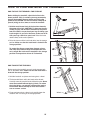
When you are finished with your workout, press
the Stop button twice. The Record program will
then be saved in memory.
6
Each Record program is divided into one-minute
segments. One speed setting and one incline setting can be programmed for each segment.
When you are finished exercising, remove the
key from the console.
See step 8 on page 18.
21