1
Chapter 8 Other Functions and Settings
8.2.4. Clock Setting
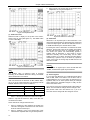
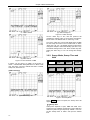
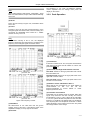
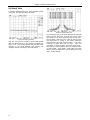
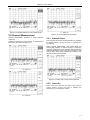
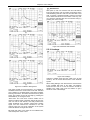
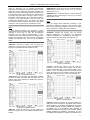
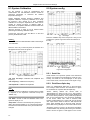
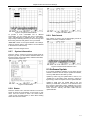
Press the “Set Clock” soft-key, you can set the “On” or
“Off” of the time display. If select “On” state, you can input
the local time. The step of clock setting is that firstly input
number and then select “Sec”, “Minute”, “Hour”, “Day”,
“Month” and “Year”.
The input format is “2006” “Year”, “01” “Month”, “02” “Day”,
“13” “Hour”, “04” “Minute”, “05” “Sec”, and the display
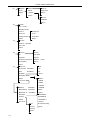
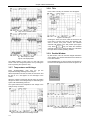
format is “06/01/02 13:04:05”.(see figure 8.11)
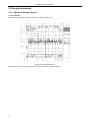
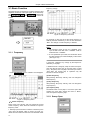
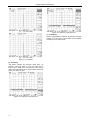
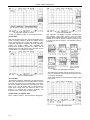
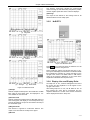
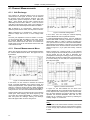
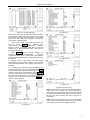
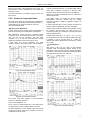
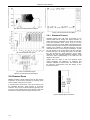
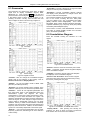
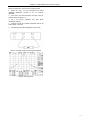
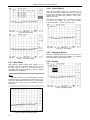
Figure 8.8 View Picture
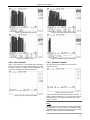
Figure 8.11 Time Setting
8.2.5. Language Select
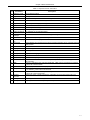
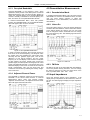
Figure 8.9 Preview Picture
8.2.3. Baud Rate
Press the “Language Select” soft-key, you can choose the
language between Chinese and English. The selection
will not lose with the power-off of system.
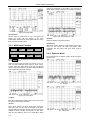
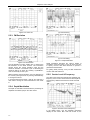
8.2.6. Palette
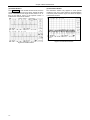
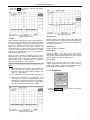
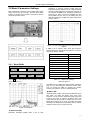
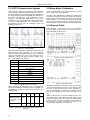
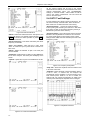
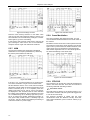
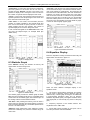
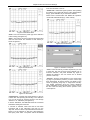
After pressing “RS-232 Band Rate” soft-key, in the
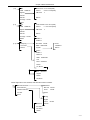
submenu of it which is shown as figure 8.10 you can set
the band rate of COM port. The default value is
115200bps, and whenever DS8821 is reset, this default
value will be set to COM port.
Note:
The baud rate is set for the transmitting from the
instrument to PC, for example send pictures to the PC or
receive the update files from the PC. So you should make
sure that the PC baud rate is in accordance with the
instrument.
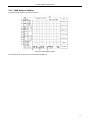
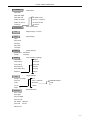
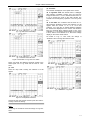
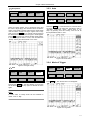
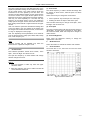
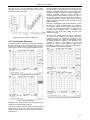
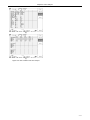
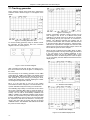
Figure 8.12 Palette Setting
Figure 8.10 Baud Rate Setting Menu
8-4