1
The Scan button is used to perform an immediate search of the Powerline Ethernet devices connected to the
computer.
By default the utility automatically scans every few seconds and updates the display.
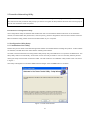
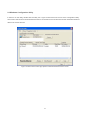
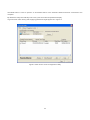
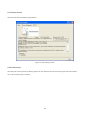
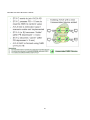
A typical screen after naming and supplying passwords might appear as in Figure 6.
Figure 6: Main Screen of the Configuration Utility
13