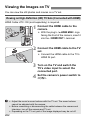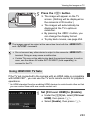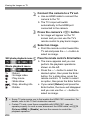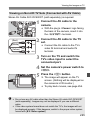
1
Installing and Removing the Battery
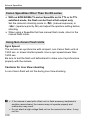
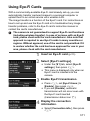
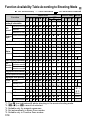
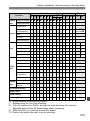
Load a fully charged Battery Pack LP-E8 into the camera.
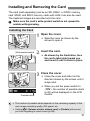
Installing the Battery
1
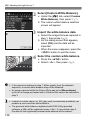
Open the cover.
Slide the lever as shown by the
arrows and open the cover.
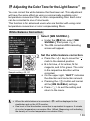
the battery.
2 Insert
Insert the end with the battery
contacts.
Insert the battery until it locks in
place.
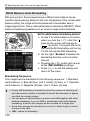
the cover.
3 Close
Press the cover until it snaps shut.
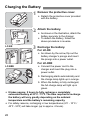
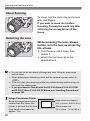
Removing the Battery
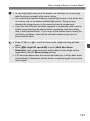
Open the cover and remove the
battery.
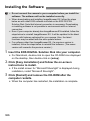
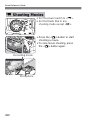
Press the battery release lever as shown
by the arrow and remove the battery.
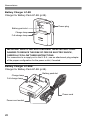
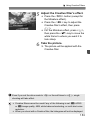
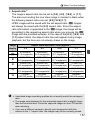
To prevent short circuiting of the
battery contacts, be sure to attach the
protective cover (provided, p.28) to
the battery.
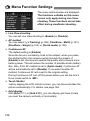
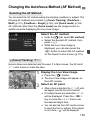
After opening the battery compartment cover, be careful not to swing it back
further. Otherwise, the hinge may break.
30