1
nl
ow
D
d
de
oa
App Locker
m
fro
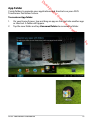
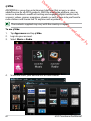
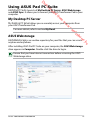
App Locker allows you to password-protect your apps.
e
.b
re
or
nb
de
an
.v
w
w
•
•
w
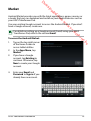
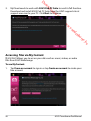
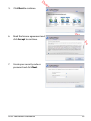
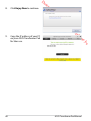
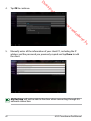
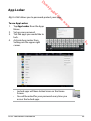
To use App Locker:
1. Tap App Locker from the Apps
Menu.
2. Set up your password.
3. Tick the apps you would like to
lock.
4. Activate App Locker from
Settings on the upper right
corner.
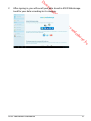
Locked apps will have locked icons on the Home Screen.
You will be asked for your password every time you access the locked apps.
ASUS Transformer Pad Manual
65