1
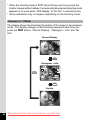
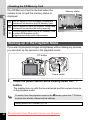
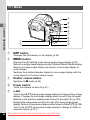
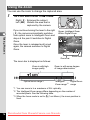
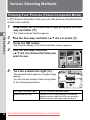
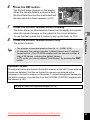
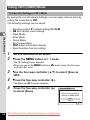
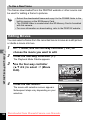
• Looking at the light directly does not pose a safety hazard. However,
do not look directly into the emitter from a very short distance.
• The camera does not emit the focus assist light under the following
conditions:
- when the capture mode is set to C (Movie)
- when s (Infinity) or \ is selected as the focus mode
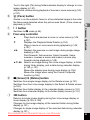
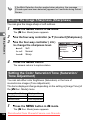
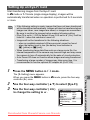
Setting the Image Tone
3
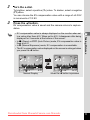
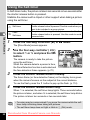
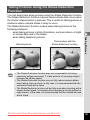
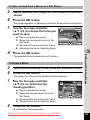
Set the image tone of still pictures.
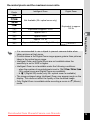
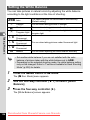
You can select from [Bright] (Default setting), [Natural] or [Monochrome].
Taking Pictures
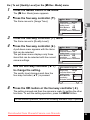
1
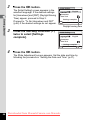
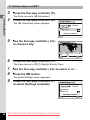
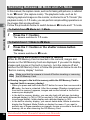
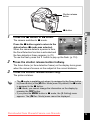
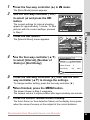
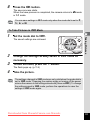
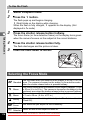
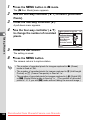
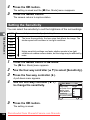
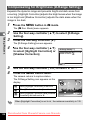
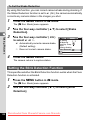
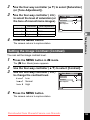
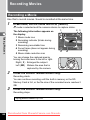
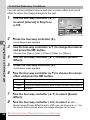
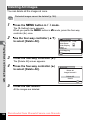
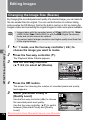
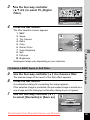
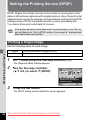
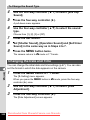
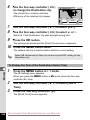
Press the 3 button in A mode.
The [A Rec. Mode] menu appears.
2
3
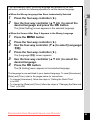
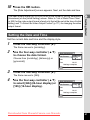
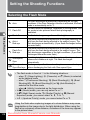
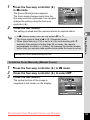
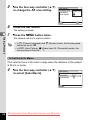
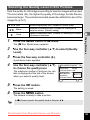
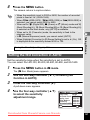
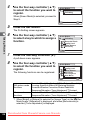
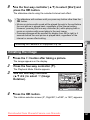
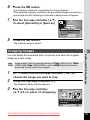
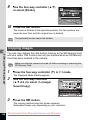
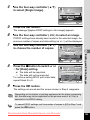
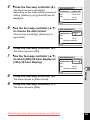
Use the four-way controller (23) to select [Image
Tone].
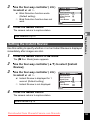
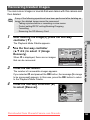
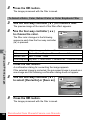
Press the four-way controller (5).
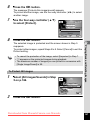
A pull-down menu appears.
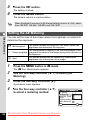
4
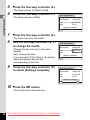
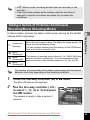
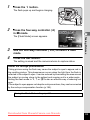
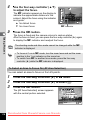
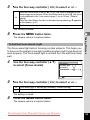
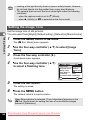
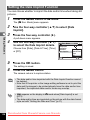
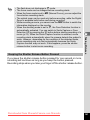
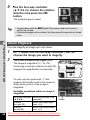
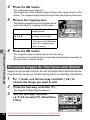
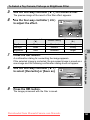
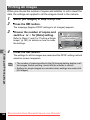
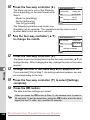
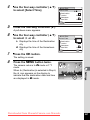
Use the four-way controller (23)
to select a finishing tone.
Rec. Mode
Image Tone
Recorded Pixels
Quality Level
White Balance
Sensitivity
ISO Corction in AUTO
MENU Cancel
5
1/4
Bright
Natural
Monochrome
AWB
AUTO
ISO80-400
OK
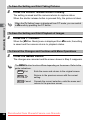
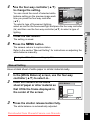
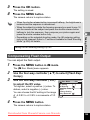
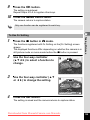
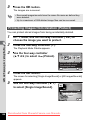
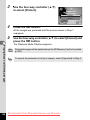
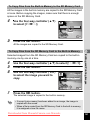
Press the 4 button.
The setting is saved.
6
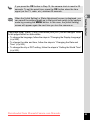
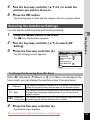
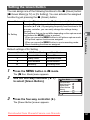
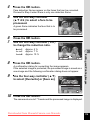
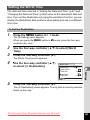
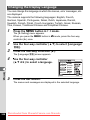
Press the 3 button.
The camera returns to capture status.
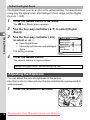
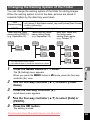
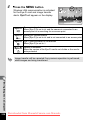
When [Monochrome] is selected, [Tone Adjustment] appears on the
[A Rec. Mode] menu for setting the tone of monochrome images
instead of [Saturation].
120
Downloaded from ManualsCamera.com Manuals
OK