1
[DP-DS620/DP-DS620 (A) Printer Driver] User’s Manual (For Windows XP)
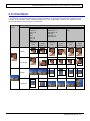
2.4 Color management
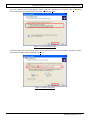
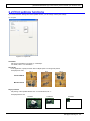
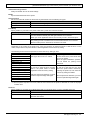
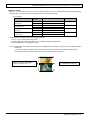
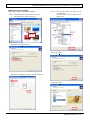
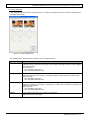
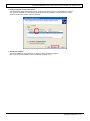
Use Color management to specify the color profile. The installer associates "DS620-R0" by default.
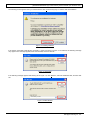
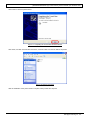
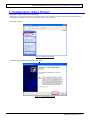
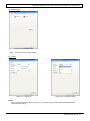
Step 1. From the Printer Properties, select the Color management tab.
File that the installer associates
Figure 2.4 Color management tab
23
Dai Nippon Printing Co., Ltd.