1
SAUTER CASE flexotron
flexotron800 with TCP
12.4
Website settings
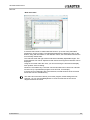
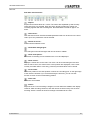
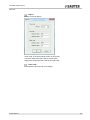
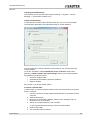
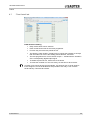
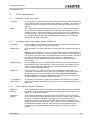
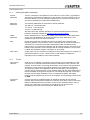
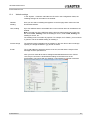
In the “System -> Website” sub-folder and “E-mail” in the Configuration folder, the
following settings can be made for the website:
Website
heading
Here you can select a heading that appears on the first page when visitors surf the
flexotron800 website.
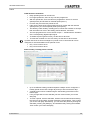
Link, heading
Up to four different links to small PDF files or other internet sites can be added to the
website.
Note: The total size of the PDF files and the process image should not exceed 150
kB. Under Link1, heading, enter the heading for Link 1; under Link2, heading, the
heading for Link 2, etc.
The heading must not contain any spaces. For example, for Fr Sauter, you must enter
Fr_Sauter. That is the default setting for heading 4.
Process image
The selected image is displayed in the heading on the web. Due to the low storage
capacity, the image should be in .jpg format or similar.
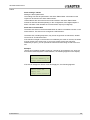
E-mail
The e-mail address to which the alert is to be sent, the title and the subject of the
message must be specified here.
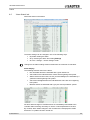
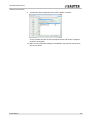
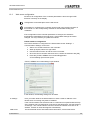
After you have made all the above settings and downloaded them to the TCP/IP
card, all you need to do is download the settings to the web server in the
flexotron800. This is done with the Settings / Load website to controller command.
P100012097 B
51