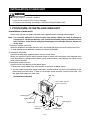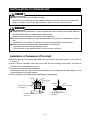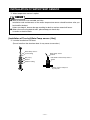
1
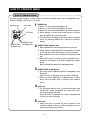
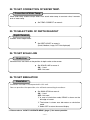
POWER ON/OFF
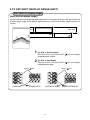
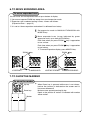
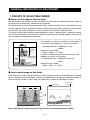
Power ON/OFF
[ON] key
[OFF] key
pressing [ON] key, alarm comes on and power turns
1 By
ON.
When power is ON, power lamp lights on and fish finder
display is shown.
pressing [OFF] key, power turns OFF.
2 By
※ Until fish finder display is shown after power turns ON,
[OFF] key is not activated.
Note: When the engine starts to run, battery voltage varies and it may affect to main
unit. Start the engine after the power of main unit is turned OFF.
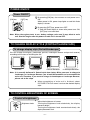
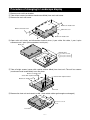
TO CHANGE DISPLAY STYLE (PORTRAIT/LANDSCAPE)
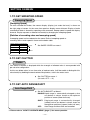
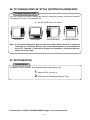
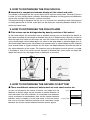
To change display style (Portrait/Landscape)
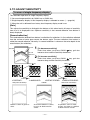
You can change the display (landscape, portrait, landscape reverse and portrait reverse)
according to the status of installing the unit.
����������
�����������
������������������
�������������������
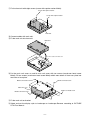
Note: It is normally delivered in Portrait style from factory. When you want to change to
Landscape or Landscape Reverse, you should disassemble and re-assemble the
main unit. Therefore, if you want to change to Landscape or Landscape Reverse,
please ask to the shop.
assembling of main unit is finished, select
・ When
PICTURE STYLE on menu 3 and set the desired display
style.
TO CONTROL BRIGHTNESS OF SCREEN
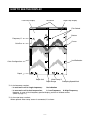
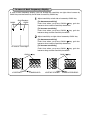
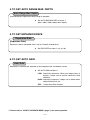
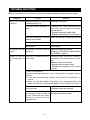
Control of brightness
dark
bright
Adjust the brightness of screen.
・
Turning the brightness knob clockwisely, the display
Brightness knob
becomes bright.
Turning the brightness knob counterclock-wisely, the
display becomes dark.
−6−