1
•
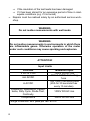
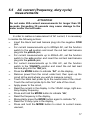
Press EXIT (AC+DC) for 2 seconds into the function of
AC+DC. Test DC and AC True RMS,
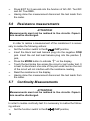
Having done the measurement disconnect the test leads from
the meter.
•
5.3
mV voltage measurements
ATTENTION!
Do not measure mV voltages if a motor on the circuit is being
switched ON or OFF. Large voltage surges may occur that
can damage the meter.
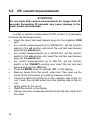
In order to realise a measurement of mV voltage, it is necessary to
realise the following actions:
•
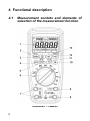
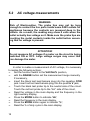
Set the function switch to the mV position,
•
with the RANGE button set the measurement range manually
if necessary,
•
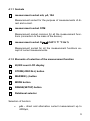
Press the MODE button to indicate “DC” or “AC”, or in AC
range press EXIT for two seconds and chose ”AC+DC”,
•
Insert the black test lead banana plug into the negative COM
jack. Insert the red test lead banana plug into the positive V
jack,
•
Touch the black test probe tip to the negative side of the circuit. Touch the red test probe tip to the positive side of the circuit,
•
Read the mV voltage in the display,
•
Having done the measurement disconnect the test leads from
the meter.
15