1
PSU Programming Manual
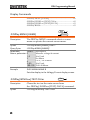
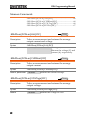
Display Commands
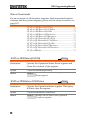
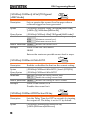
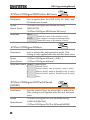
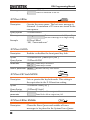
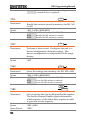
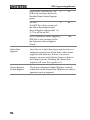
:DISPlay:MENU[:NAME] ................................................... 62
:DISPlay[:WINDow]:TEXT:CLEar.................................... 62
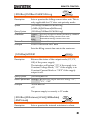
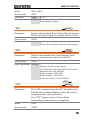
:DISPlay[:WINDow]:TEXT[:DATA]................................. 63
:DISPlay:BLINk ..................................................................... 63
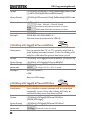
Set
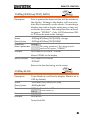
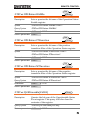
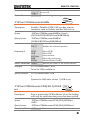
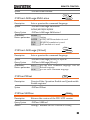
:DISPlay:MENU[:NAME]
Query
Description
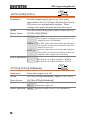
The DISPlay MENU command selects a screen
menu or queries the current screen menu.
Syntax
:DISPlay:MENU[:NAME] <NR1>
Query Sytax
:DISPlay:MENU[:NAME]?
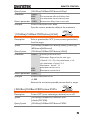
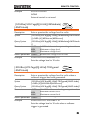
Parameter/
<NR1> Description
Measure voltage & current
Return parameter 0
Not Used
1~2
Set Menu
3
OVP / OCP Menu
4
Not Used.
5~99
100~199 F-00~99 Menu.
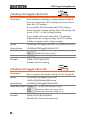
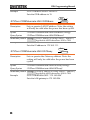
Example
DISP:MENU:NAME 0
Sets the display to the Voltage/Current display screen.
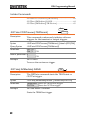
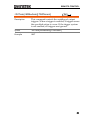
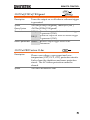
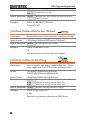
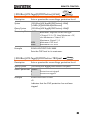
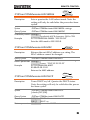
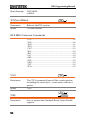
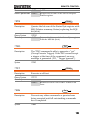
:DISPlay[:WINDow]:TEXT:CLEar
Set
Description
Clears the text on the main screen from
the :DISPlay[:WINDow]:TEXT[:DATA] command.
Syntax
:DISPlay[:WINDow]:TEXT:CLEar
62