1
Smart Remote
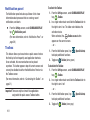
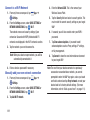
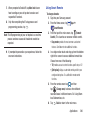
3. Select your desired country or region for your TV
Guide’s source listing.
Important! Before initiating use, verify you have an active
Internet connection available (either mobile
network or Wi-Fi connection).
4. Enter your current zip code and tap Done. This zip code
must correspond to the location of your desired TV and
set top box.
Note: Before beginning your initial Smart Remote application
setup, confirm your TV is turned off.
For more information, refer to www.samsungwatchon.com.
Initial Configuration
1. Sign into your Samsung account.
2. From the Home screen, tap
Smart Remote.
Apps ➔
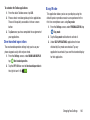
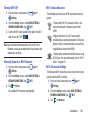
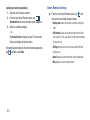
5. From the Find your TV service screen, select a service
provider from the available channel listing.
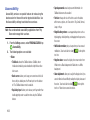
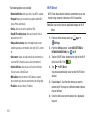
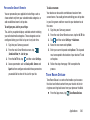
6. From the Personalize screen, you can either follow the
onscreen prompts to personalize your desired content
or tap Skip to continue without customizing your
content.
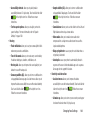
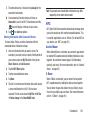
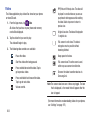
7. Read the onscreen PEEL DISCLAIMER agreement and
tap Agree to complete the set up process.
Note: If you are not connected to an active Wi-Fi, you may be
prompted to continue the set up process via a mobile
network. Click Connect to proceed.
Applications
198