1
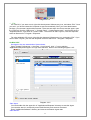
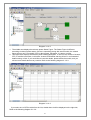
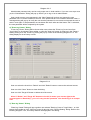
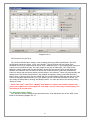
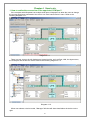
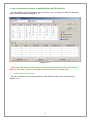
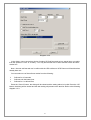
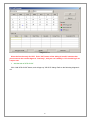
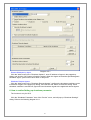
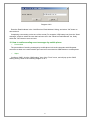
Receiver is the mobile phones numbers who can receive the SMS. It can be one or more. If the
Event that you have selected occurs, winpower will send the event message to the phone numbers
in the "Receiver" list.
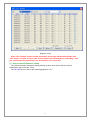
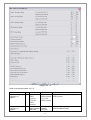
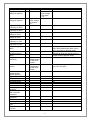
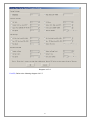
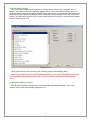
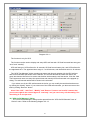
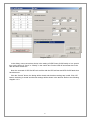
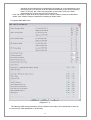
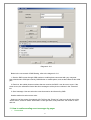
3. UPS message, Telecom Power System message and ATS message list
User can select the events that need to be informed by SMS.
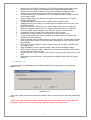
Note: If the OK button is invalid, it means that your access right to the current Agent is
“Read Only”, and you can’t carry out the operation. You should log in as a super user.
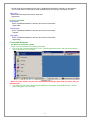
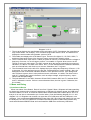
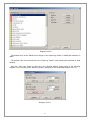
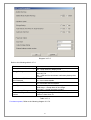
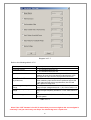
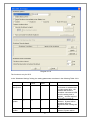
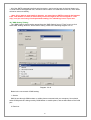
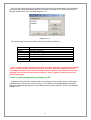
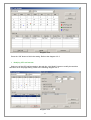
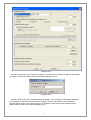
17) "Pager Setting" Dialog
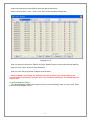
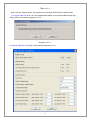
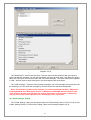
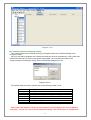
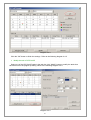
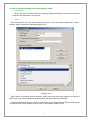
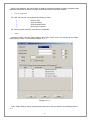
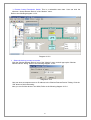
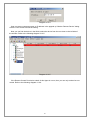
The “Pager Setting” dialog can be opened from the “Pager Setting” item of “Tools” menu or click
“Send Pager Setting" button in the "Event Setting" dialog. Refer to the following diagram 3-2-17.
Diagram 3-2-17
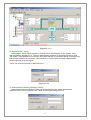
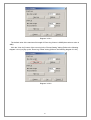
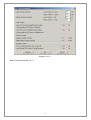
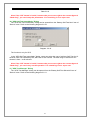
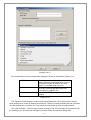
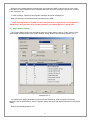
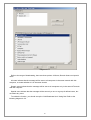
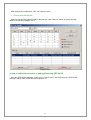
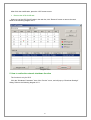
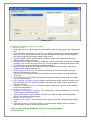
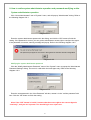
To configure the pager parameters, user must have full access. User can get full access by
selecting "Act as Administrator" item of "System" menu and enter right Agent Password in the popup
dialog.
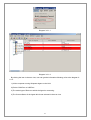
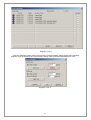
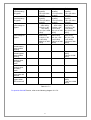
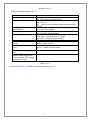
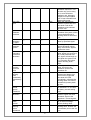
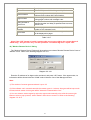
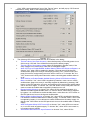
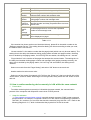
Refer to the following table 3-2-17.
51