1
8. Reporting
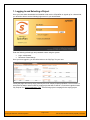
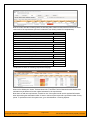
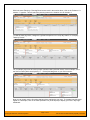
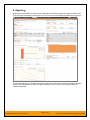
Now that we have created our requirements, added tasks, reporting progress and logged incidents, if we
go to the project homepage for this project, we’ll now see the various widgets populated with key metrics:
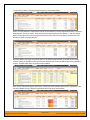
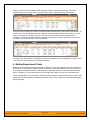
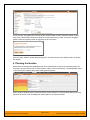
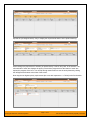
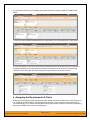
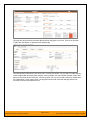
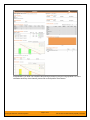
Some of the graphs (e.g. burndown and burnup) make more sense when you have a Release or Iteration
selected in the dropdown list on the top-right of the page. Once you do that you’ll get the Release or
Iteration dashboard:
© Copyright 2006-2014, Inflectra Corporation
Page 20 of 23
This document contains Inflectra proprietary information