1
Using the PLAY Menu (Cont’d)
7
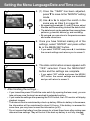
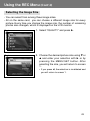
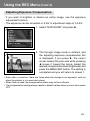
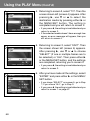
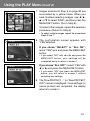
7. The 8-frame index appears. Using , , ,
or , move the red frame to an image you
wish to select and press the MENU/SET
button.
• Pressing when the first frame is selected or
on the last frame will switch the screen to the
next eight images.
8
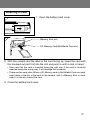
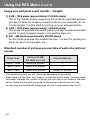
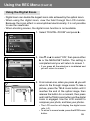
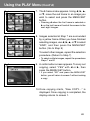
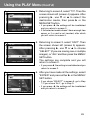
8. Images selected at Step 7 are surrounded
by a yellow frame. When you have finished
selecting images, use , , , or to select
“END”, and then press the MENU/SET
button. (Go to Step 9)
To select other images, repeat the selection
procedure. (Return to Step 7)
• To select multiple images, repeat the procedures
Steps 7 and 8.
9
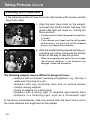
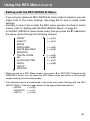
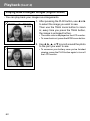
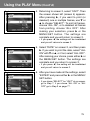
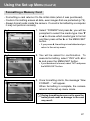
9. A confirmation screen appears. To carry out
copying, select “YES” with or , then
press the MENU/SET button.
• If you select “NO” and press the MENU/SET
button, you will return to screen 1 without making
a copy.
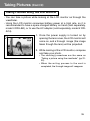
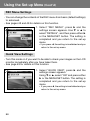
10.Once copying starts, “Now COPY…” is
displayed. Once copying is completed, the
display returns to screen 1.
69