1
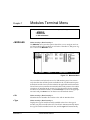
Chapter 6. Terminal Menu and System Control
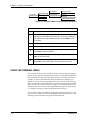
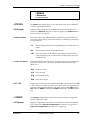
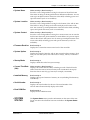
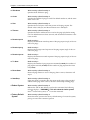
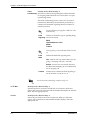
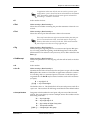
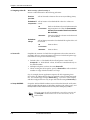
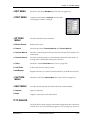
»» Auto Daylight
Savings
When enabled, automatically updates the time and date when Daylight Savings Time starts and, also, when Standard Time starts.
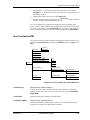
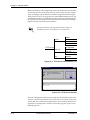
» Access Passwords Write security: 0; Read security: 5
Provides a way to edit passwords and, also, to add new users and passwords. All menu items are protected by passwords of varying security levels. By assigning different passwords to different security levels, the ATLAS
system administrator can control which users can change various menu
items. You can assign multiple passwords at the same access level. This
way, different users with the same access privileges can have different passwords.
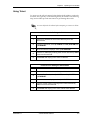
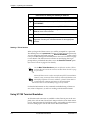
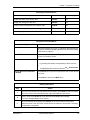
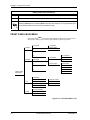
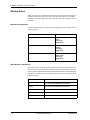
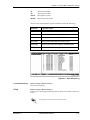
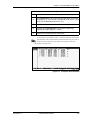
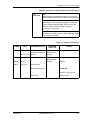
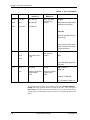
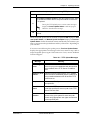
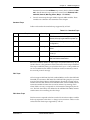
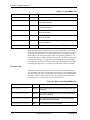
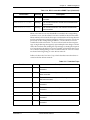
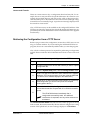
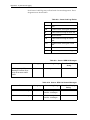
Each of the six password security levels are described in Table 6-1 on page
6-2.
Passwords are case-sensitive.
Instructions for Adding/Deleting Passwords
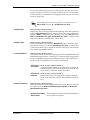
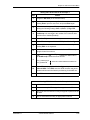
To add a new password...
Select the first column (0) and press I
To delete a password...
select the first column (0) and press D.
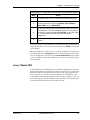
If you lose or forget the ATLAS_800 system administrator password,
contact ADTRAN technical support for help in resetting the password.
In order to reset the password, you must have access to the front panel.
For details on resetting the password, see Password Reset on page 130.
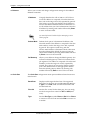
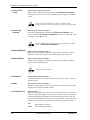
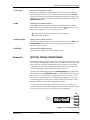
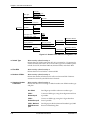
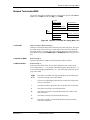
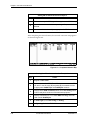
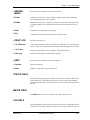
»» Label
Write security: 0; Read security: 5
Defines a user name.
»» Access Rights
Write security: 0; Read security: 5
Defines the password level for the corresponding label. You can select from
six different password levels (see also Table 6-1 on page 6-2).
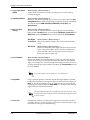
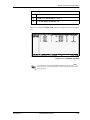
»» Password
Write security: 0; Read security: 5
Allows you to change the password (the default password is password).
The current password displays as a series of asterisks (********).
Passwords are case-sensitive.
61200180L1-1
ATLAS 800 User Manual
6-11