1
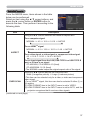
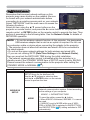
SETUP menu
Item
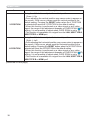
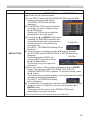
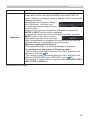
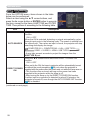
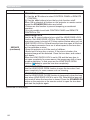
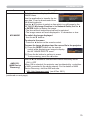
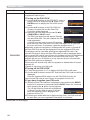
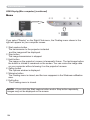
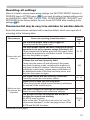
PICT. POSIT. H
(CP-AW252WN)
Description
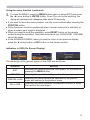
Using the ▲/▼ cursor buttons selects the horizontal picture
position.
LEFT MID RIGHT
The PICT. POSIT. H is not changed if any of the following cases
apply.
• The ASPECT is set to 16:9 or 16:10.
• The input signal has an aspect ratio of 16:9, 16:10 or verticallly
smaller than 16:10, while ASPECT is set to NORMAL.
• Horizontal size of the displayed image is full on the effective
display area, while the ASPECT is set to NATIVE.
• One of the following messages is displayed on the screen:
"NO INPUT IS DETECTED"
"SYNC IS OUT OF RANGE"
"INVALID SCAN FREQ."
• The BLANK or TEMPLATE function is selected.
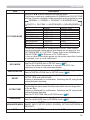
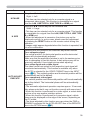
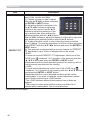
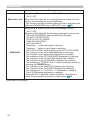
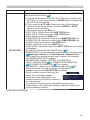
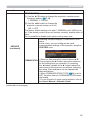
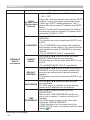
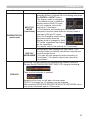
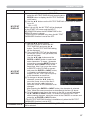
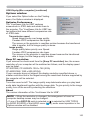
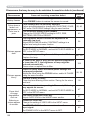
KEYSTONE
Using the ◄/► buttons corrects the vertical keystone distortion.
Shrink the bottom of the image Shrink the top of the image
• The adjustable range of this function will vary among inputs. For
some input, this function may not work well.
• This function will be unavailable when the TRANSITION
DETECTOR is on (85) or the PERFECT FIT (46) is adjusted.
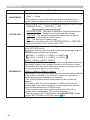
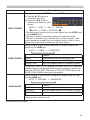
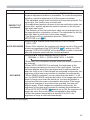
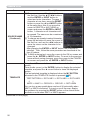
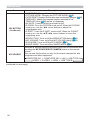
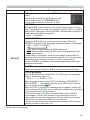
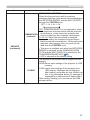
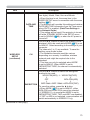
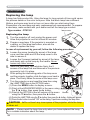
KEYSTONE
Using the ◄/► buttons corrects the horizontal keystone distortion.
Shrink the right of the image Shrink the left of the image
• The adjustable range of this function will vary among inputs. For
some input, this function may not work well.
• This function will be unavailable when the TRANSITION
DETECTOR is on (85) or the PERFECT FIT (46) is adjusted.
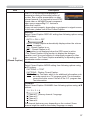
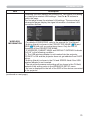
(continued on next page)
45