1
5110-N Series User’s Manual
Configuring 5110-N Administrator
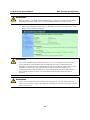
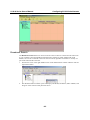
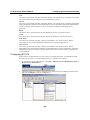
Once the Monitor function is running:
1.
The 5110-N list will appear on the Monitor screen.
2.
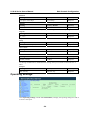
Right click the panel and select Settings.
3.
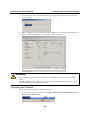
Select or de-select Monitor Items. Use the single arrowhead buttons to move highlighted
items from one box to the other. Use the double arrowhead buttons to move all items in one
box to the other.
6-14