1
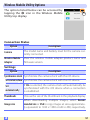
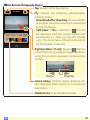
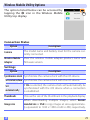
Wireless Mobile Utility Options
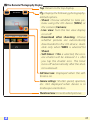
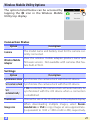
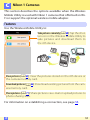
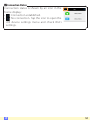
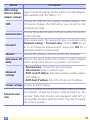
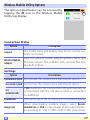
The options listed below can be accessed by
tapping the c icon in the Wireless Mobile
Utility top display.
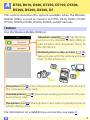
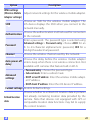
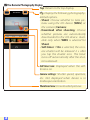
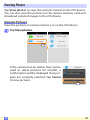
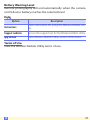
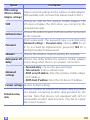
Connection Status
Option
Description
Camera
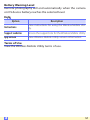
The model name and battery level for the camera currently connected.
Wireless Mobile
Adapter
View the wireless mobile adapter product name and
firmware version. Not available with cameras that feature built-in Wi-Fi.
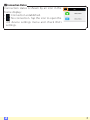
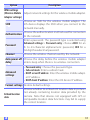
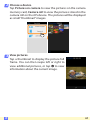
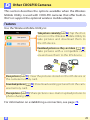
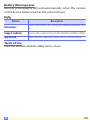
Settings
Option
Description
Synchronize clock Synchronize the camera clock with the iOS device.
Set camera clock Synchronize the camera clock with the iOS device.
Set
automatically
If On is selected, the camera clock will automatically be
synchronized with the iOS device when a connection
is established.
Thumbnails
Choose the size of the thumbnails in the playback display.
Image size
When downloading multiple images, select Recommended size or VGA to copy images at sizes approximately equivalent to 1920 × 1080 or 640 × 480, respectively.
D
101