1
3. Introduction to Simulating and Creating Circuits
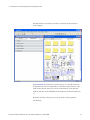
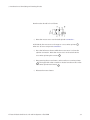
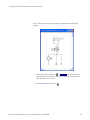
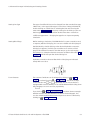
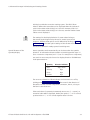
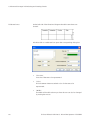
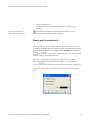
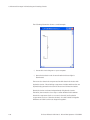
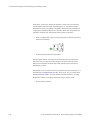
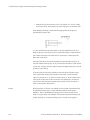
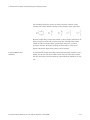
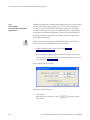
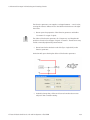
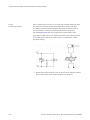
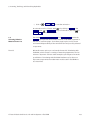
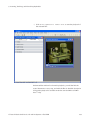
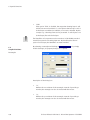
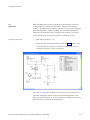
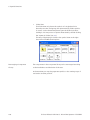
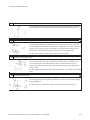
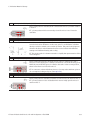
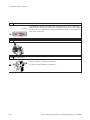
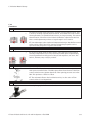
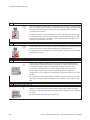
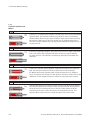
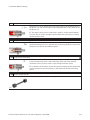
Immediately, the line is redrawn:
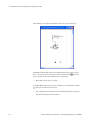
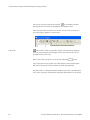
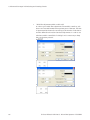
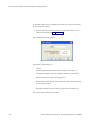
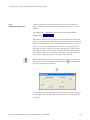
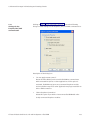
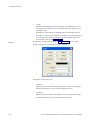
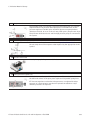
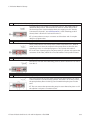
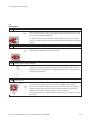
In the Edit Mode the components and lines can be selected, moved, or
deleted by clicking on Edit Delete or by pressing the Del key.
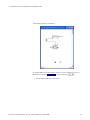
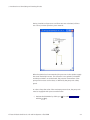
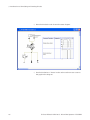
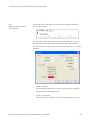
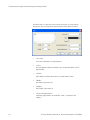
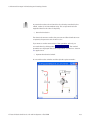
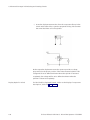
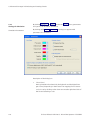
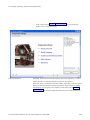
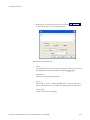
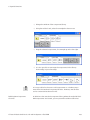
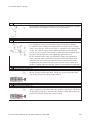
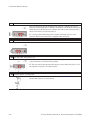
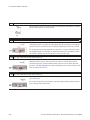
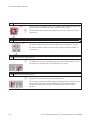
> Connect the remaining components.
© Festo Didactic GmbH & Co. KG and Art Systems • FluidSIM
39