1
PCAN-USB Pro – User Manual
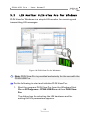
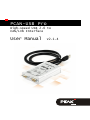
Do the following to connect the PCAN-USB Pro adapter to the
computer and complete the initialization:
Note: Do not use a USB extension cable to connect the PCANUSB Pro adapter to the computer. The use of an extension
cable does not comply with the USB specification and can lead
to malfunction of the adapter.
1.
Connect the PCAN-USB Pro adapter to a USB port at the
computer. The computer can remain powered on.
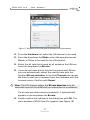
Windows notifies that new hardware has been detected.
6.
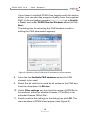
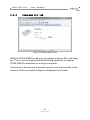
Windows XP only: A Wizard dialog boxes appears for the
installation of the drivers (devices “PCAN-USB-PRO-CAN
Device” and “PCAN-USB-PRO-LIN Device”). Follow its instructions. Deny the search for driver software at Windows
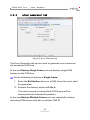
Update and select the automatic software installation during
this procedure.
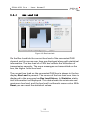
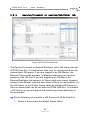
All Windows operating systems: The drivers are found and
installed by Windows.
7.
Afterwards you can work as user with restricted rights
again.
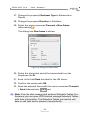
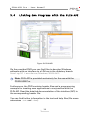
After a successful initialization of the drivers for the CAN and the
LIN bus the LEDs on the PCAN-USB Pro are green.
9