1
MY BOOK ESSENTIAL
USER MANUAL
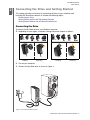
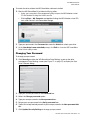
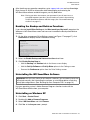
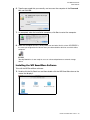
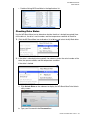
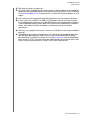
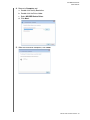
6. Type the password that you normally use to access the computer in the Password
box and click OK:
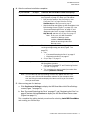
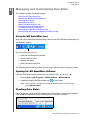
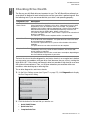
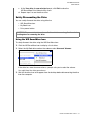
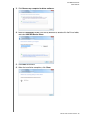
7. As prompted, when the installation completes, click Yes to restart the computer:
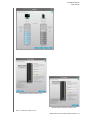
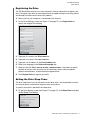
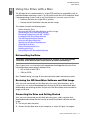
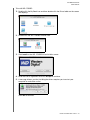
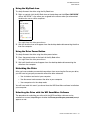
8. When the computer restarts, the My Book icon now looks like this, where “MY BOOK” is
the name you assigned to the volume when you reformatted the drive for use with the Mac
computer:
Your My Book drive is now ready to use as an enhanced-performance external storage
device.
Installing the WD SmartWare Software
To install the WD SmartWare software:
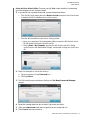
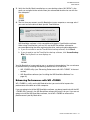
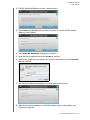
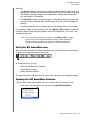
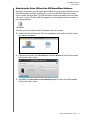
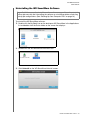
1. Double-click the My Book icon and then double-click the WD SmartWare icon on the
screen that displays:
USING THE DRIVE WITH A MAC – 46