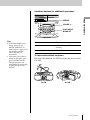
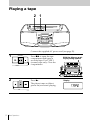
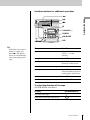
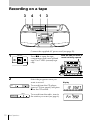
1
Creating your
own program
STANDBY SLEEP
(Program Play)
CD/RADIO
POWER
(AC ONLY)
Number
buttons
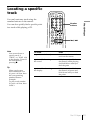
You can arrange the playing order of up
to 20 tracks on a CD.
MODE
0/10
BAND
TUNE
10
VOL
MODE
FUNCTION TUNE
(
LOOP
p
FLASH
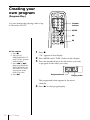
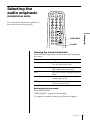
On the remote
1 Press p.
2 Press PLAY
MODE•MONO/ST
until “PGM” appears
in the display.
3 Press = or +
then press DISPLAY
ENT• MEMORY for
the tracks you want
to program in the
order you want.
4 Press ^.
1
SOUND
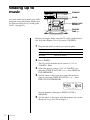
Press p.
“Cd” appears in the display.
2
3
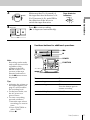
Press MODE until “PGM” flashes in the display.
Press the number buttons for the tracks you want
to program in the order you want.
Programed track
Playing order
The programed tracks appear in the music
calender.
4
16
The CD Player
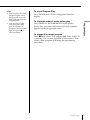
Press ( to start program play.