1
Troubleshooting
Cannot Print in Background (Windows 98/Windows Me
only)
■ Check the amount of free space on the hard disk.
Background printing requires a certain amount of disk space. You may need to delete
unnecessary files, or disable background printing.
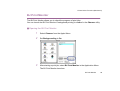
■ Ensure that background printing is enabled.
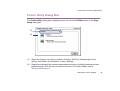
1
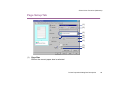
Open the Printer Properties dialog box.
➡ Opening the Printer Properties Dialog Box
2
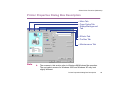
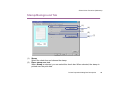
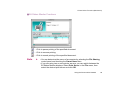
On the Page Setup tab, click Printer control... and select Background
Printing.
Problems Unique to Windows
171