1
5
Configuration
D-Link Web Smart Switch User Manual
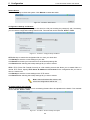
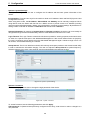
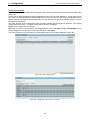
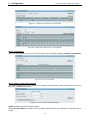
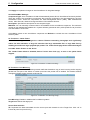
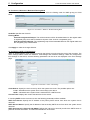
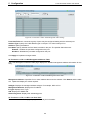
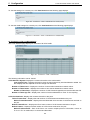
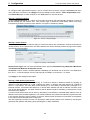
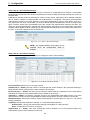
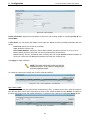
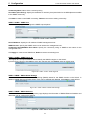
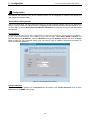
Figure 5.2 – Password setting in Smart Wizard
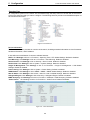
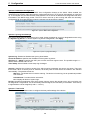
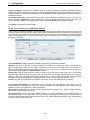
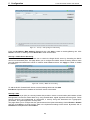
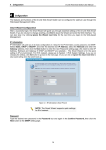
SNMP Settings
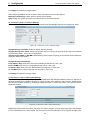
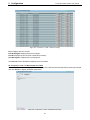
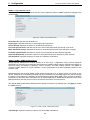
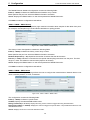
The SNMP Setting allows you to quickly enable/disable the SNMP function. The default SNMP Setting is
Disabled. Click Enabled and then click Apply to make it effective..
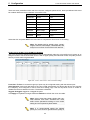
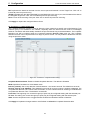
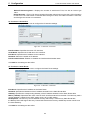
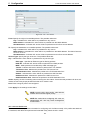
Figure 5.3 – SNMP Setting in Smart Wizard
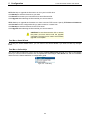
NOTE: Changing the system IP address will
disconnect you from the current connection.
Please enter the correct IP address in the Web
browser again and make sure your PC is in the
same subnet with the switch. See Login
Web-based
Management
for
a
detailed
description.
19