1
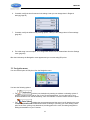
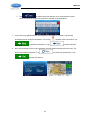
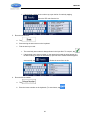
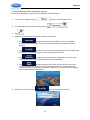
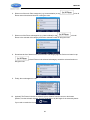
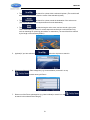
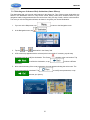
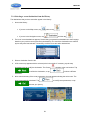
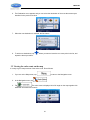
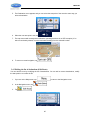
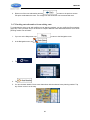
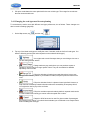
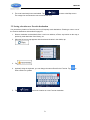
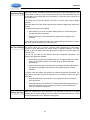
JRV215N 6. Or if you cannot find a good alternative, tap different routing methods. and scroll down for routes with 7. Select one of the route alternatives then tap and hold for a few seconds to return to the Map screen. iGO primo recalculates the route. The orange line now shows the new recommended route. 3.4.8 Changing the vehicle used in route planning To recalculate the active route for a different vehicle, do as follows. These changes can also be made in Settings (page 88). 1. On the Map screen, tap 2. Tap and then tap . and then tap one of the following: 69