1
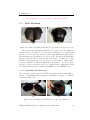
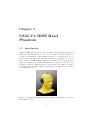
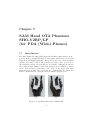
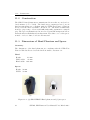
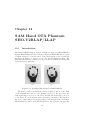
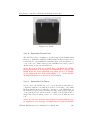
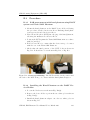
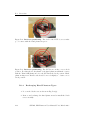
SAM Hand OTA Phantom SHO-V2RW/LW
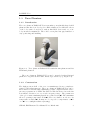
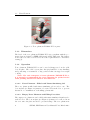
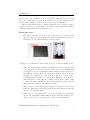
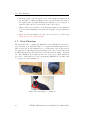
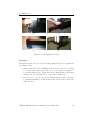
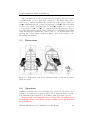
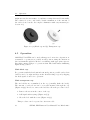
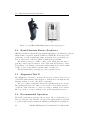
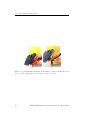
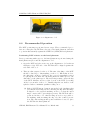
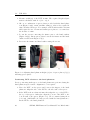
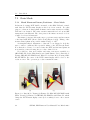
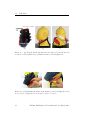
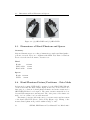
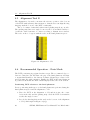
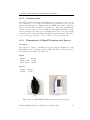
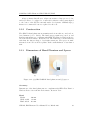
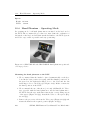
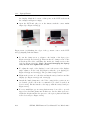
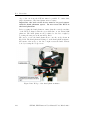
(a)
(b)
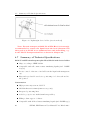
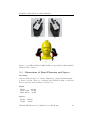
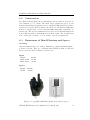
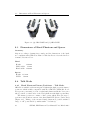
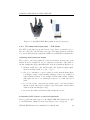
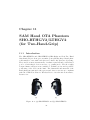
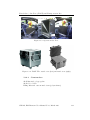
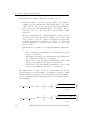
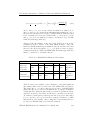
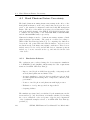
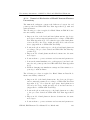
Figure 8.2: (a) SHO-V2RW Hand phantom and (b) its spacer
8.4.2
Recommended Operation – Talk Mode
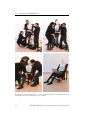
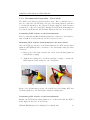
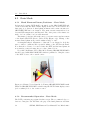
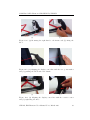
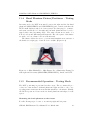
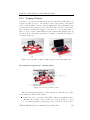
The DUT positioning is performed in two steps. The recommended procedure is to first place the DUT into the grip of the hand phantom, and then
to position this assembly against the SAM-V4.5/CTIA/BS head phantom.
Adjusting hand phantom height
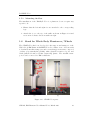
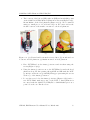
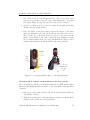
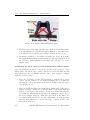
The position of the hand phantom on the horizontal movement part of the
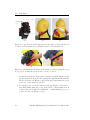
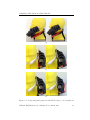
fixture should be adjusted in order to align the vertical line of the DUT to
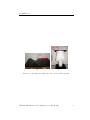
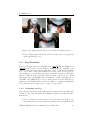
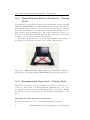
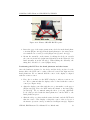
the line passing through points RE and M on the head phantom (Figure 8.5).
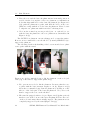
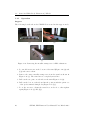
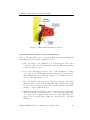
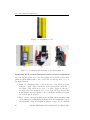
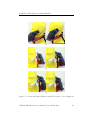
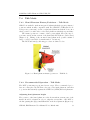
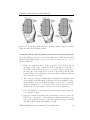
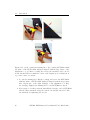
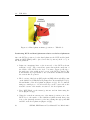
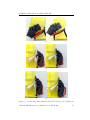
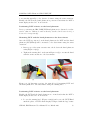
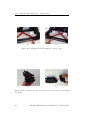
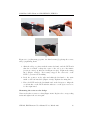
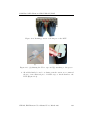
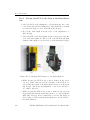
1. Measure width (w) of the DUT in mm. The required height adjustment is calculated with: h = (92 − w) /2
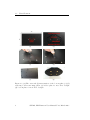
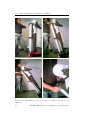
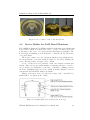
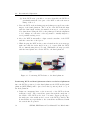
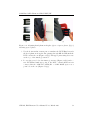
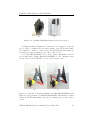
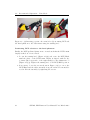
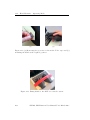
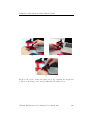
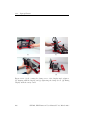
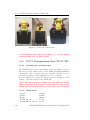
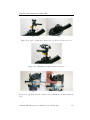
2. Choose a combination of spacer plates provided with the hand phantom (Figure 8.4(a): 1 mm, 2x2 mm, 4 mm) to achieve the required h
value calculated in Step 1. For example, a DUT with a width of 84 mm
will require the use of one 4 mm spacer plates to accommodate the h
value.
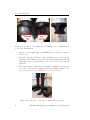
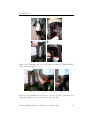
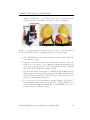
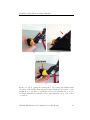
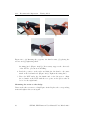
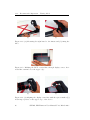
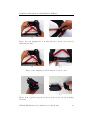
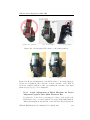
3. Loosen the screws connecting the fixture part to the hand cushion
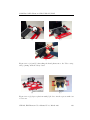
(Figure 8.4(b)). Insert spacer plates between the fixture and the hand
cushion as shown in Figure 8.4(c).
4. Re-secure the fixture and hand cushion using the screws.
Positioning DUT relative to the hand phantom
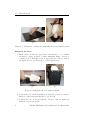
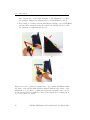
Device positioning with respect to the SHO-V2RW hand phantom is equal
to the PDA hand, which is described in Chapter 7.4.2 on page 60.
SPEAG, EM-Phantom User Manual V 4.3, March 2015
69