1
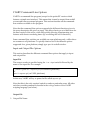
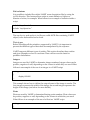
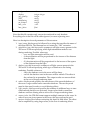
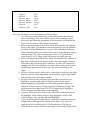
declare "AigueMarine"
…
color .498039 1 .831373
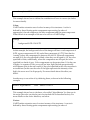
To use this color later in the script, the following syntax needs to be used:
#color_name
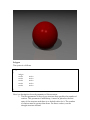
For example, to use the color previously defined:
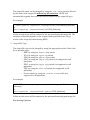
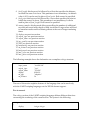
surface
{
color #AigueMarine
…
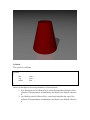
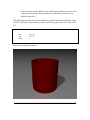
It is therefore possible to define your own colors in include files, and re-use them
in numerous scenes. Future versions of YASRT will support library paths: this
feature will allow the raytracer to look for include files in specific directories
without having to specify the full path to those files in the scenes using them.
3DS File Support
YASRT supports the 3DS file format natively. This feature has not been
implemented on all platforms yet. Not all features of the file format are support
either.
In order to activate this feature, an ASCII file must be created along with the 3DS
file to render. This file specifies the different options that YASRT must apply to
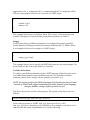
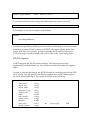
the scene when rendering it. The syntax of this file is the following:
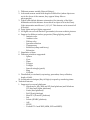
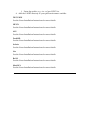
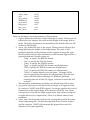
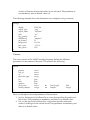
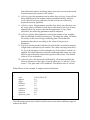
{
input_name
output_type
output_name
attenuation_type
shadow_type
radius
light_samples
camera_index
aperture
focal_point
camera_samples
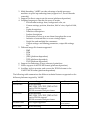
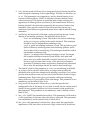
string
string
string
string
string
double
integer
integer
double
vector
integer
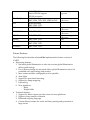
or
focal_length
float