1
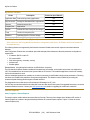
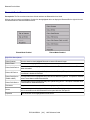
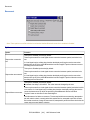
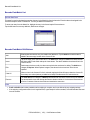
File Menu Options
File Menu Options
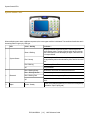
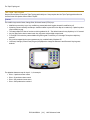
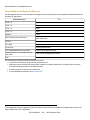
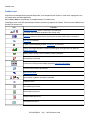
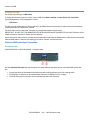
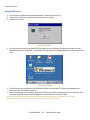
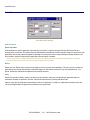
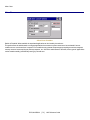
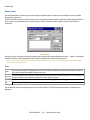
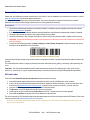
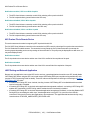
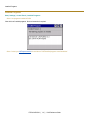
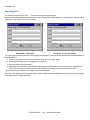
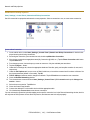
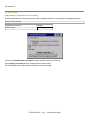
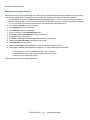
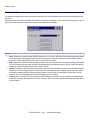
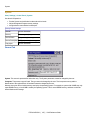
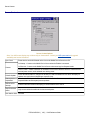
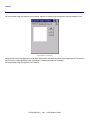
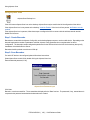
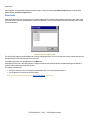
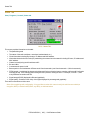
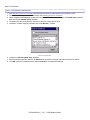
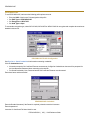
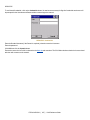
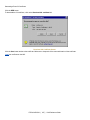
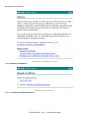
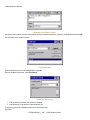
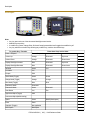
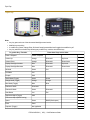
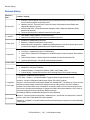
The Connect option under the File menu allows the user to initiate a manual connection to the Mobile Device
Connect Server. The connection methods, by default, are wireless and COM connections. Any updates available will be
applied to the HX2 immediately upon a successful connection.
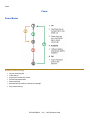
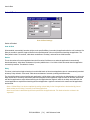
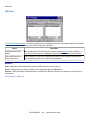
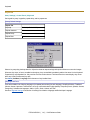
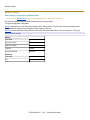
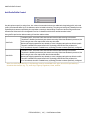
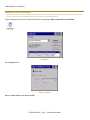
Scan
Config
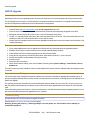
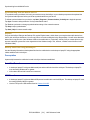
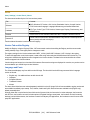
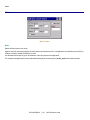
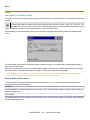
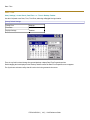
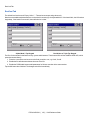
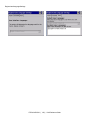
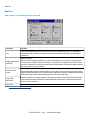
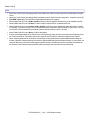
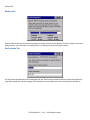
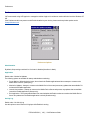
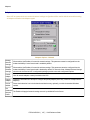
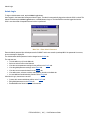
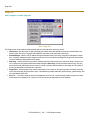
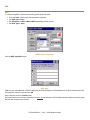
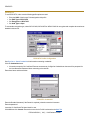
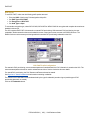
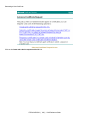
Note: LXE does not support the Scan Configuration feature. The Scan Config option under the File menu allows
the user to configure Enabler settings using a special barcode that can be created using the Avalanche MC
Console utilities. Refer to the Wavelink Avalanche Mobility Center User Guide for details.
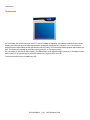
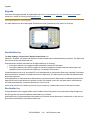
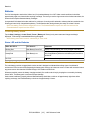
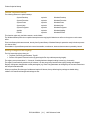
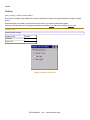
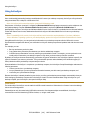
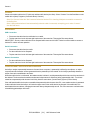
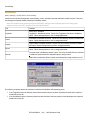
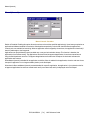
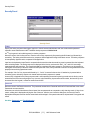
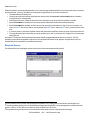
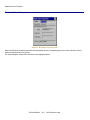
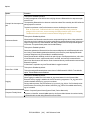
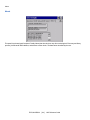
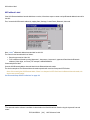
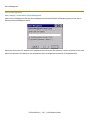
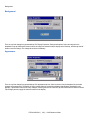
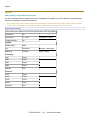
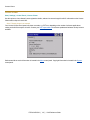
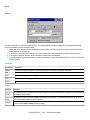
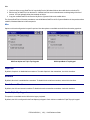
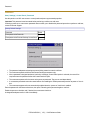
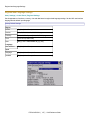
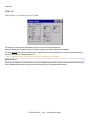
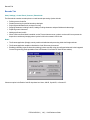
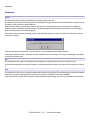
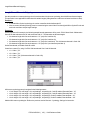
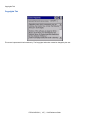
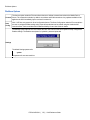
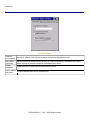
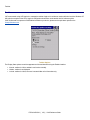
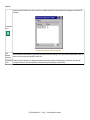
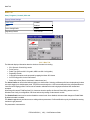
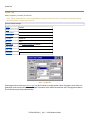
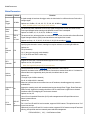
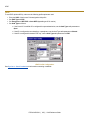
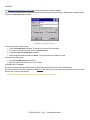
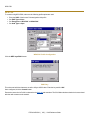
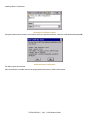
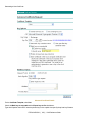
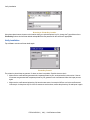
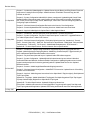
The Settings option under the File menu allows the HX2 user to access the control panel to locally configure the
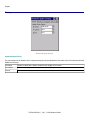
Enabler settings. The Enabler control panel is, by default, password protected.
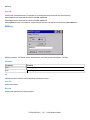
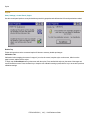
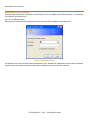
Settings
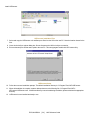
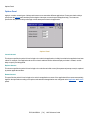
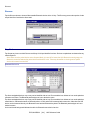
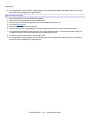
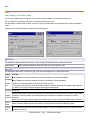
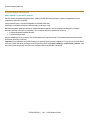
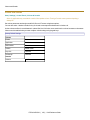
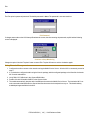
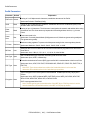
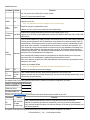
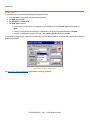
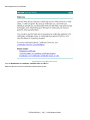
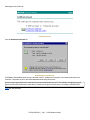
The default Settings password is
system
The password is not case-sensitive.
E-EQ-HX2RG-M [ 176 ] HX2 Reference Guide