1
Settings
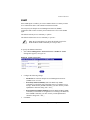
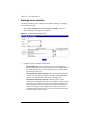
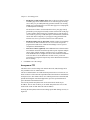
To view or modify the settings for the BlueLinQ feature:
1.
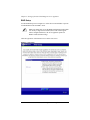
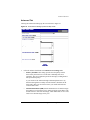
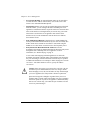
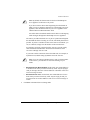
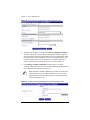
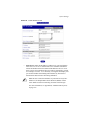
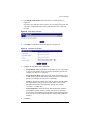
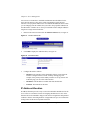
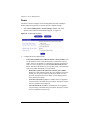
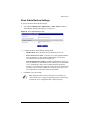
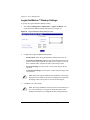
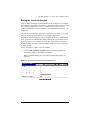
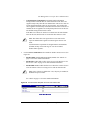
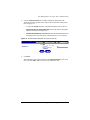
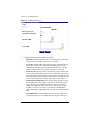
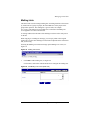
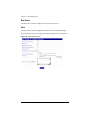
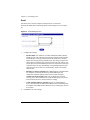
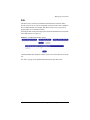
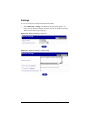
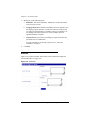
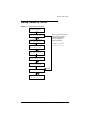
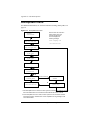
Select BlueLinQ > Settings. The BlueLinQ Settings table appears; see
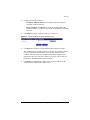
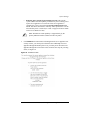
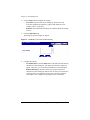
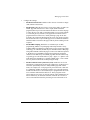
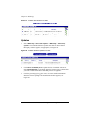
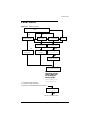
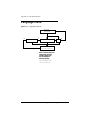
Figure 102 for the Basic settings and Figure 103 for the Advanced settings.
The active tab shows up as a light grey.
Figure 102. BlueLinQ Settings - Basic tab
Figure 103. BlueLinQ Settings - Advanced tab
User Manual — Sun Cobalt RaQ 550 server appliance
147