1
REMINDER :
THE FUNCTIONS
IN THE MACHINE MENU
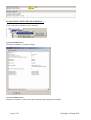
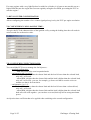
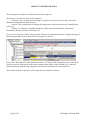
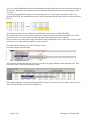
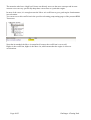
All these functions are generated from the pop-up menus you can get to by right-clicking on the name
of the machine (machine menu).
If you need additional details, refer to the Winjall instruction user’s manual.
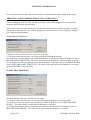
I) ECU CHARACTERISTICS:
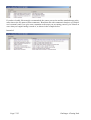
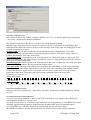
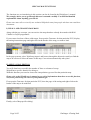
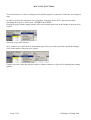
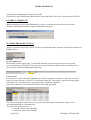
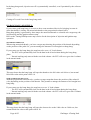
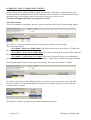
This gives you the main characteristics of the machine :
- its name with serial number
- its possessor
- the type of software it contains
- the system and application versions as well as additional information.
This function is the one to be used when you connect to an ECU that you do not know: it indicates
what kind of Tuneware is loaded inside and its version.
Knowing that, you can choose the right tuneware to access to its tunings.
The indicated possessor also tells you if the ECU tunings are private or public: if the possessor is
'SKYNAM', the ECU is not locked. If it is any else, it is locked.
This function also gives you the type and serial number of the ECU: each Skynam ECU has its own
serial number that allows Skynam to follow its life. When manufacturing, each ECU has its own file
with manufacturing tests results, and if this ECU needs to be repaired, this will also be reported in its
file.
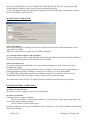
II) MACHINE UPDATE :
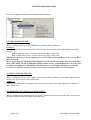
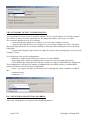
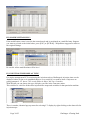
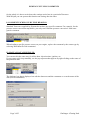
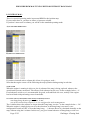
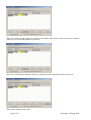
You can load the Tunewares in a machine for upgrading or recycling for a different use. Execute the
update with the Tuneware corresponding to the particular use you want to make of the ECU.
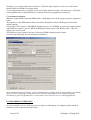
III) POSSESSOR MANAGEMENT :
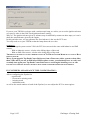
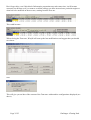
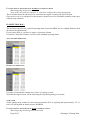
You can decide to possess (lock) a machine to stop other users getting access to its settings.
You can also release possession (unlock) if you are the possessor (See Winjall User’s manual).
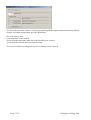
IV) TRANSMISSION ID :
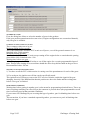
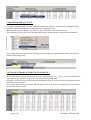
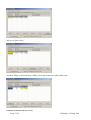
You can give the machine a Winjnet network address when it has to be inserted into a WinjNet
machine network, for example with a Skynam CAN-BUS network, allowing to let communicate many
ECUs with different functionalities in the same vehicle.
Page 14/55
Challenger 4 Tuning Pack