1
OSD Operation
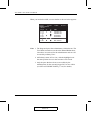
OSD
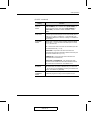
Navigation
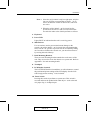
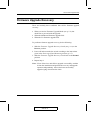
w To dismiss the menu, and deactivate OSD, Click the X at the
upper right corner of the OSD Window; or press [Esc].
w To Logout, Click F8 or the ZZZ symbol at the top of the Main
Screen, or press [F8].
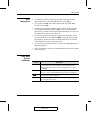
w To move up or down through the list one line at a time, Click the
Up and Down Triangle symbols (▲▼) or use the Up and Down
Arrow Keys. If there are more list entries than there is room for on
the Main Screen, the screen will scroll.
w To move up or down through the list one screen at a time, Click
the Up and Down Arrow symbols (éê), or use the [Pg Up] and
[Pg Dn] keys. If there are more list entries than there is room for
on the Main Screen, the screen will scroll.
w To activate a port, Double Click it, or move the Highlight Bar to it
then press [Enter].
w After executing any action, you automatically go back to the menu
one level above.
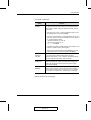
OSD Main
Screen
Headings
Heading
Explanation
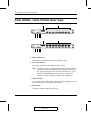
SN-PN
This column lists the Port ID numbers (Station Number - Port Number)
for all the CPU ports on the installation. The simplest method to
access a particular computer is move the Highlight Bar to it, then
press Enter.
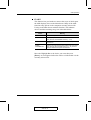
QV
If a port has selected for Quick View scanning (see Set Quick View
Ports, p. 4-10), an arrowhead displays in this column to indicate so.
The computers that are powered on and are On Line have a Sun
symbol in this column to indicate so.
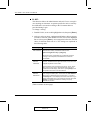
NAME
If a port has been given a name (see Edit Port Names, p. 4-9), its
name appears in this column.
4-3
2003-01-27