1
7.5
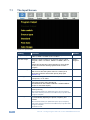
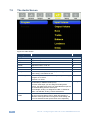
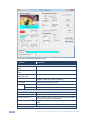
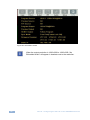
The Audio Screen
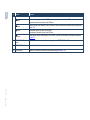
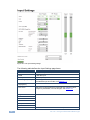
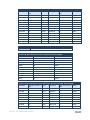
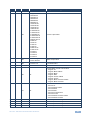
Figure 18: Audio Screen
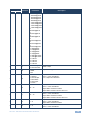
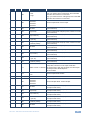
Setting
Function
Default
Input Volume
Adjust the input volume: -22 to 22
0
Output Volume
Adjust the output volume: -100 to 24
0
Bass
Adjust the bass: -24 to 24
0
Treble
Adjust the treble: -24 to 24
0
Balance
Adjust the balance: -10 to 10
0
Loudness
Set loudness Off or On
Off
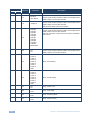
Delay
Select to dynamic (the audio delay equals the pipeline
video delay), User Define or Off
Dynamic
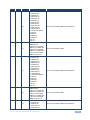
User Delay
If User Delay is selected, set the delay time (in 2ms steps):
Program: 0 to 170ms
Preview: 0 to 70ms
0
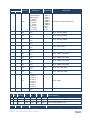
Input Source
Select the audio input: Analog 1 to Analog 10, S/PDIF or
Embedded (for HDMI and DP inputs).
For each video input you can assign an analog audio
source, the digital audio source or embedded this input will
be switched along with the video input.
For example, Analog 1 is assigned to UNIV 3. Whenever
UNIV 3 is selected, Analog 1 will be selected too
Analog 1
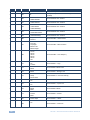
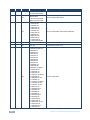
Audio-FollowVideo
Set to Off or On. When on, the audio will follow the video,
as set in the Input Source menu. When Off selecting a
different video signal will not change the audio setting and
it can be selected via the Input Source menu separately
On
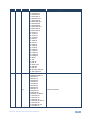
Program/Preview
32
VP-732 - Configuring the VP-732 via the OSD MENU Screens