1
Calibration and Configuration | Section 7
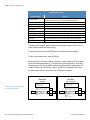
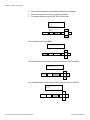
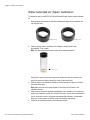
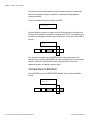
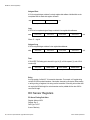
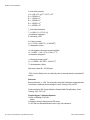
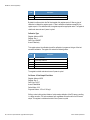
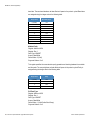
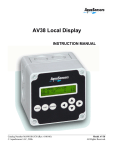
From the Main Menu, use the up/down arrows to select Calibrate. Then press ENTER.
≡Main Menu
►Calibrate
1
▲
MENU
ESC
ENTER
◄
►
▼
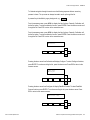
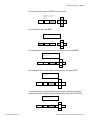
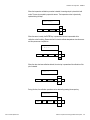
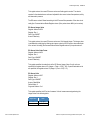
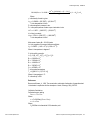
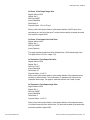
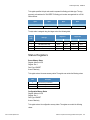
From the Calibrate Menu, use the up/down arrows to select 1-Point Sample. Then press
ENTER.
≡Calibrate
►1-Point Sample
▲
MENU
ESC
ENTER
◄
►
▼
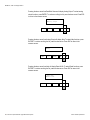
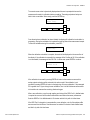
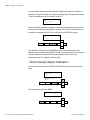
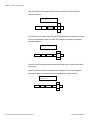
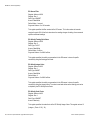
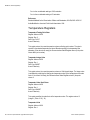
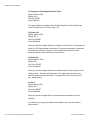
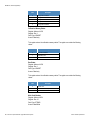
The current sensor value is dynamically displayed and asks the user to be sure the
measurement is ready for calibration before proceeding. When ready, press the ENTER key.
8.17 ppm
Sensor ready?
▲
MENU
ESC
ENTER
◄
►
▼
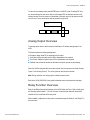
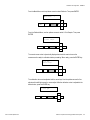
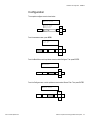
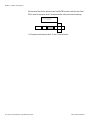
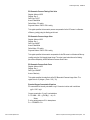
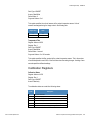
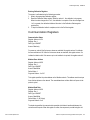
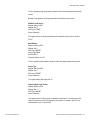
The calibration value can be adjusted with the arrow keys. Use the up/down arrows for fine
adjust and the left/right arrows for coarse adjust. After the calibration value is adjusted to the
desired value, press the ENTER key.
1-Point Sample?
( 8.17) ppm
▲
MENU
ESC
ENTER
◄
►
▼
Thermo Scientific AquaSensors
RDO Pro-X Optical Dissolved Oxygen Measurement System | 33