1
Showcase DVD Setup Menu, continued
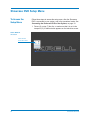
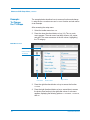
Example: To Change
the TV Shape, continued
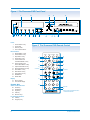
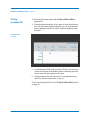
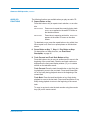
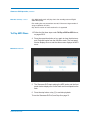
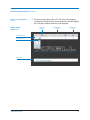
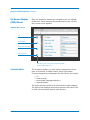
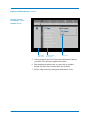
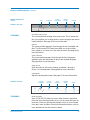
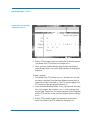
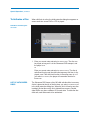
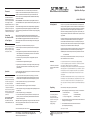
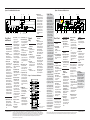
Sub Menu Screen
Left column,
main menu
Center column,
main menu
Sub menu
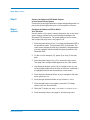
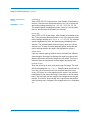
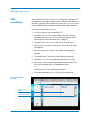
5. Choose a picture view. The video screen will show the picture
you select, if the television supports the format.
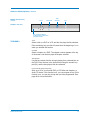
6. After selecting the picture view, you may wish to navigate
through the main menu to select other OSD functions.
7. Exit the setup menu by pressing the setup button or key.
Krell Showcase DVD
41