1
28Apr06
CTI VT2100-KLA Die Retest Software Notes for Engineering
17
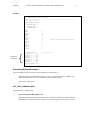
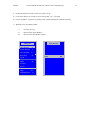
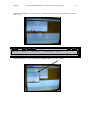
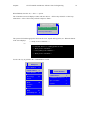
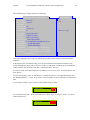
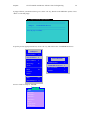
A listbox with the plan files will appear on the screen. Use the "<next page>" option to page through the
entries, then arrow to the program that you entered in the program section of the Sort Versatest Traveler.
This information can be obtained from 001-02963 (S23_F_A). When you have selected the correct
program press “ENTER”.
[PRODUCTION]
<previous page>
ft32c64f
ft363220
ft363720
ft36c302
ft36c302.4s
ft36c320
ft36c320.4s
ft36c341
ft36c341.4s
ft36c370
<next page>
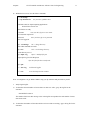
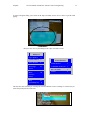
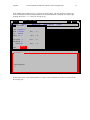
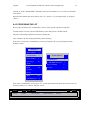
Selecting a plan file will clear all of the wafers. To enter a new set of wafer numbers to run, select option
"E) Add Wafer" by typing in "E" and pressing <Enter>
ENTER OPTION ==> E
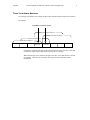
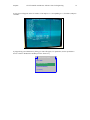
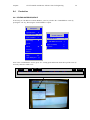
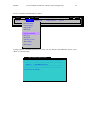
For each wafer two popups will appear. The first on asks for the wafer number
- Valid wafer numbers are1 through 25 and 99
- The popup will be initialized with: the last wafer number entered + 1.
Wafer number:
2
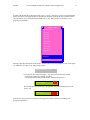
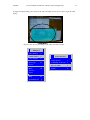
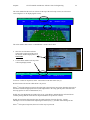
The second popup asks for the type. We typically leave this blank and just press the
<Enter> key
Wafer type:
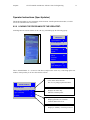
Proceed as per the previous two examples, selecting option (numbers of letters), and filling in the
appropriate information.