1
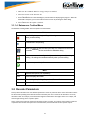
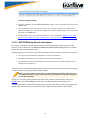
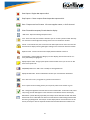
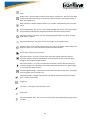
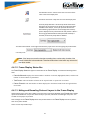
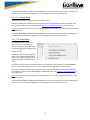
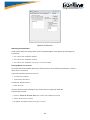
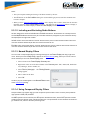
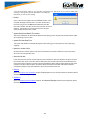
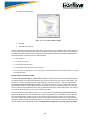
Quick Protocol Filter - brings up a dialog box where you can filter or hide one or more protocol layers.
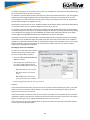
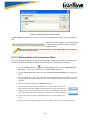
Protocol Stack - brings up the Protocol Stack Wizard where you
can change the stack used to decode framed data
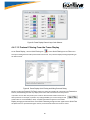
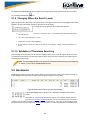
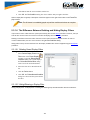
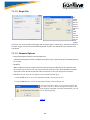
Reload Decoders - When Reload Decoders is clicked, the plugins are reset and received frames are re-decoded. For
example, If the first frame occurs more than 10 minutes in the
past, the 10-minute utilization graph stays blank until a frame
from 10 minutes ago or less is decoded.
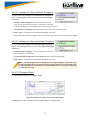
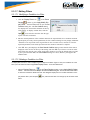
Find - Search for errors, string patterns, special events and
more.
Display Capture Notes - Brings up the Capture Notes window
where you can view or add notes to the capture file.
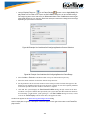
Add/Modify Bookmark - Add a new or modify an existing bookmark.
Display All Bookmarks - Shows all bookmarks and lets you move
between bookmarks.
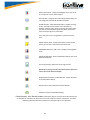
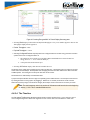
low energy Timeline- Opens the low energy Timeline
Bluetooth low energy Packet Error Rate Statistics Opens the
Packet Error Rate Statistics display
Bluetooth Classic Packet Error Rate Statistics - Opens the Packet
Error Rate Statistics display.
Network View - Opens the Network View Window.
Dashboard - Opens the Dashboard Dialog
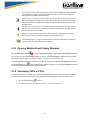
Reload Decoders - When Reload Decoders is clicked, the plug-ins are reset and received frames are
re-decoded. For example, If the first frame occurs more than 10 minutes in the past, the 10-minute
utilization graph stays blank until a frame from 10 minutes ago or less is decoded.
49