1
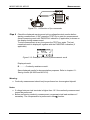
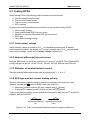
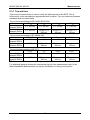
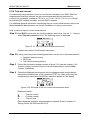
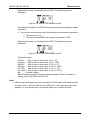
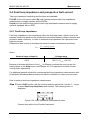
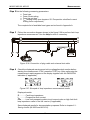
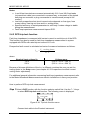
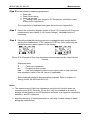
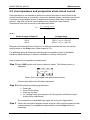
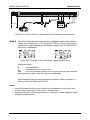
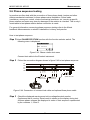
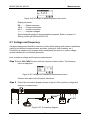
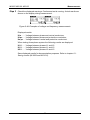
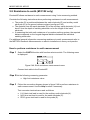
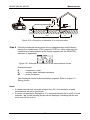
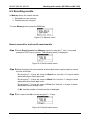
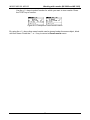
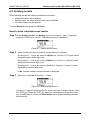
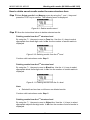
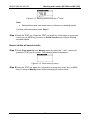
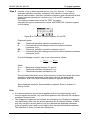
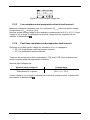
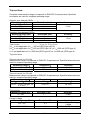
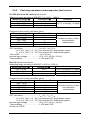
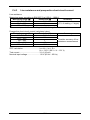
MI3002 MI3100 MI3102 Working with results (MI 3002 and MI 3102) How to delete saved results under the same structure item Step 1 Select Delete results from Memory menu by using the ¿ and À keys and press the TEST key to confirm. The following menu is displayed. Figure 6.9: Delete results menu 1 Step 2 Follow the instructions below to delete selected results. Deleting results from the 3th structure level By using the ¿/À keys set cursor to Fuse line. Use the ½/¾ keys to select appropriate fuse three-digit code. In No. line the number of saved results is displayed. Figure 6.10: Deleting results from the 3th level Continue with instructions under Step 3. Deleting results from the 2nd structure level By using the ¿/À keys set cursor to Block line. Use the ½/¾ keys to select appropriate block three-digit code. In No. line the number of stored results is displayed. Figure 6.11: Deleting results from the 2nd level Note: Selected fuse item has no influence on deleted results. Continue with instructions under Step 3. Deleting results from the 1st structure level By using the ¿/À keys set cursor to Object line. Use the ½/¾ keys to select appropriate object three-digit code. In No. line the number of stored results is displayed. 69