1
978-744-2244
12
●
www.sagescience.com
●
[email protected]
Running a Protocol
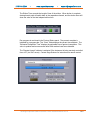
The default screen on the BluePippin is a tabbed format. The Main Tab is the first tab
and the default screen.
12.1
Overview
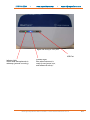
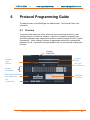
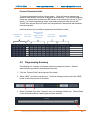
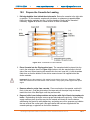
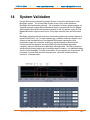
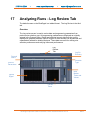
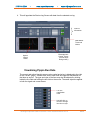
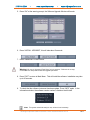
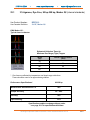
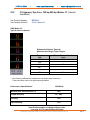
The Main Tab is the screen with which users load protocols, run the instrument, and
monitor optical signal and electrophoresis.
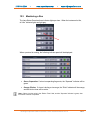
Main Tab
Lane
Status
Panel
Graph
Display
Protocol
Status
Panel
Image
Display
Control
Panel
12.2
Starting a Run
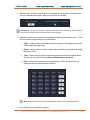
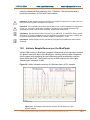
1. Go to the “Main” Tab.
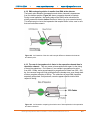
2. Place the calibration fixture on the optical nest. See Section 5 for the detailed
information on the calibration procedure.
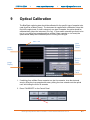
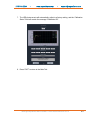
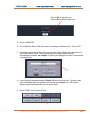
3. Press “CALIBRATE”. A calibration window will launch.
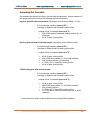
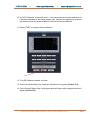
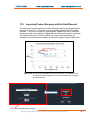
4. In the “Target I ph, mA” field, enter 0.60 for dye-free cassettes or 0.30 for Midori Green
dye cassettes.
BluePippin Operations Manual software v 6.00 cassette definition Set 10
12-1