1
C Compiler Reference Manual
PCW IDE
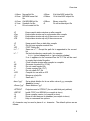
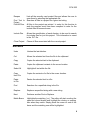
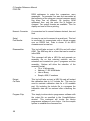
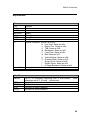
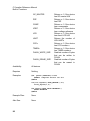
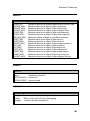
Match Brace
Extended
The text will be highlighted up to the corresponding } or ).
Indent
Selection
Indents the highlighted text
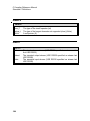
Toggle
Bookmark
Sets a bookmark (0-9) at the cursor location.
Goto
Bookmark
Move the cursor to the specified bookmark (0-9).
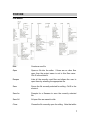
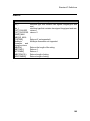
Next Window
Selects the next open file as the current file for editing.
Previous
Window
Selects the previous open file as the current file for editing.
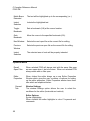
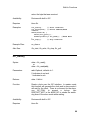
Indent
Selection
The selected area of code will be properly indented.
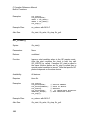
Options Menu
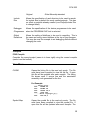
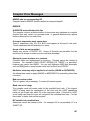
Recall
Open Files
When selected PCW will always start with the same files open
as were open when it last shut down. When not selected PCW
always starts with no files open.
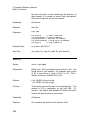
Editor
Properties
When clicked the editor brings up a new Editor Properties
Window which gives the user a number of options for setting
up the editor properties. Editor Properties window have three
tabs which are explained below:
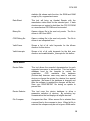
General
Tab:
Window Settings:
The window Settings option allows the user to select the
scrollbars for the editor (horizontal and vertical)
Editor Options:
Syntax Highlighting
When checked the editor highlights in color C keywords and
comments.
10