1
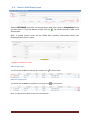
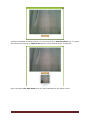
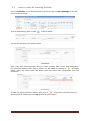
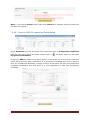
Now click on Save button at the bottom of the screen to save the photo on the
candidate profile.
3.4
How to ADD Boarding details of a training program.
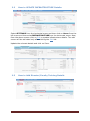
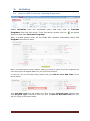
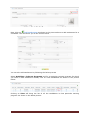
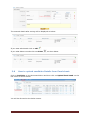
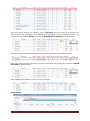
Click on Activities>>Inhouse Programs to reach the list of programs and
then click on ADD [Boarding Details] corresponding to the training program, as
shown in the picture above. This will direct you to the screen as shown below.
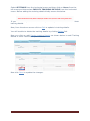
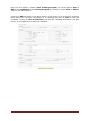
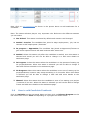
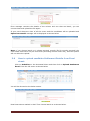
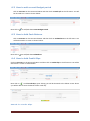
On this screen, you will need to first enter the rates of the respective items, viz,.
Breakfast, Tea/Cofee, Lunch, Dinner, etc. as shown in the above picture.
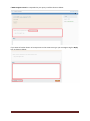
Then in the bottom part of the screen you will need to enter the no of Trainees
/Candidate and No. of Guest Faculties that were available for Break Fast, Morning Tea,
Lunch, Afternoon Tea and Dinner. Once entered click on save.
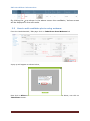
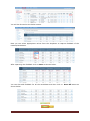
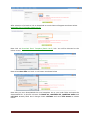
For example:
© 2012 Credo Infotech. All rights reserved
Page 16