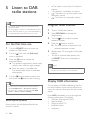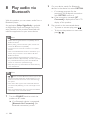
1
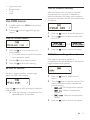
MOR
M
LIGHT
M
CLASSICS
OTHER M
WEATHER
•
: Convert stereo signals
to monophonic output even if the
station transmits strong stereo audio
signals.
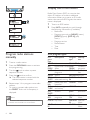
Light music
FOLK M
Folk Music
Light classical
music
Classical music
DOCUMENT
TEST
Documentary
Alarm Test
3
Special music
programs
Weather
ALARM
Alarm
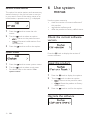
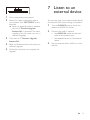
System menus
Adjust FM settings
1
In FM mode, press MENU to access FM
menus.
2
Turn the
menus.
1
2
•
Press the
Press the
knob to confirm the option.
knob to access system menus.
Turn the
knob to select a sub-menu.
For details, refer to the section 'Use
system menus'.
knob to toggle through the
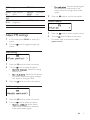
Scan setting
1
2
Press the
3
Press the
knob to access sub-menus.
Turn the
knob to select an option.
•
: Search for strong
stations only.
•
: Search for all stations
no matter whether the signal strength
of a station is strong or weak.
knob to confirm the option.
Audio setting
1
2
Press the
knob to access sub-menus.
Turn the
knob to select an option.
•
: Allow stereo
output even if the station transmits
weak stereo audio signals.
EN
9