1
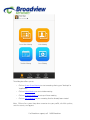
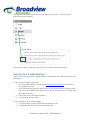
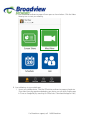
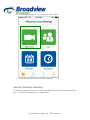
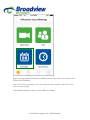
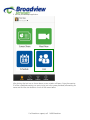
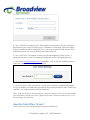
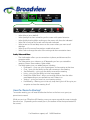
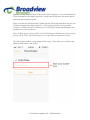
This dialog box allows you to:
-
Click on Screen Share Meeting to start a meeting sharing your “desktop” or
“application”
-
Click on Video Meeting to start a video meeting
-
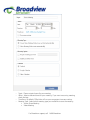
Click on Schedule Meeting to set up a future meeting
-
Click on Join a Meeting to join a meeting that has already been started
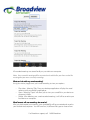
Note: Click on the account drop-down arrow to view your profile, check for updates,
switch accounts, and log-out.
For Broadview support, call: 1-800-Broadview