1
www.obd2be.com
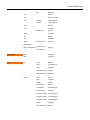
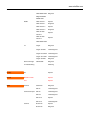
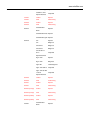
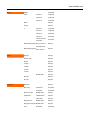
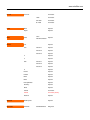
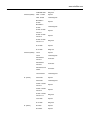
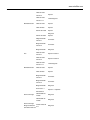
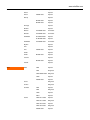
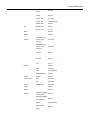
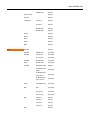
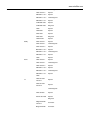
After the start menu, you see the main menu with the different manufacturers and
the menu OPTIONS, and SYNC.
With button 8 you can move up, with button 2 down. Then the bar is on the desired
menu, press OK. If you have chosen a wrong menu, you can quit by pressing
STOP.
Menu Options
ƵChoose language
Here you can choose a different language for the Universal Dash Programmer.
ƵNew PIN
First you have to enter the old PIN. Then the handdeld asks you for the new
PIN that you have to repeat again. The password consists of a combination of
pressing 6 button of your choice.
ƵErase all eeps
With this menu you erase all data that you have saved before. First you have
to press E to verify, then you have to enter your PIN.
ƵClear 1 EEP
Here you can erase the last data you have saved.
ƵVerify PIN
With this menu you can switch on or off the password function when starting
the handheld. With the button STOP you can switch it off. To switch it off you
have to verify it with the password.
Menu updater
This is for new software, for example new manufacturers or models can be
unlocked with this function. Therefore contact us.