1
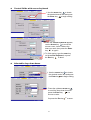
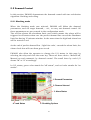
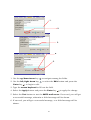
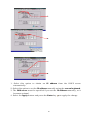
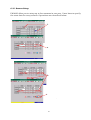
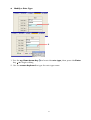
Textual fields with screen keyboard
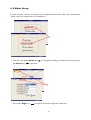
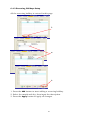
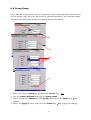
1. Use the Arrow key
to locate
the desired textual field and press
the Enter key
to begin editing.
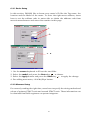
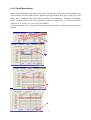
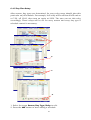
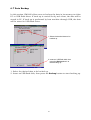
2. While the screen keyboard appears,
use the Arrow key
to move the
mouse cursor, hover it above the
letter you want, then press the Enter
key
to type it.
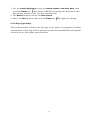
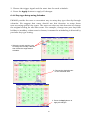
3. To finish typing, type the enter key
on the screen keyboard, or press
the Esc key
to abort.
ESC
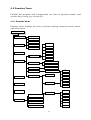
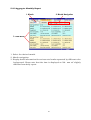
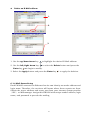
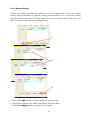
Selectable drop-down boxes
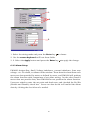
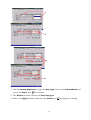
1. Use the Arrow key
to locate
the desired combo box and press
the Enter key
to begin editing.
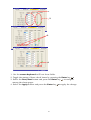
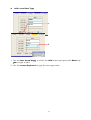
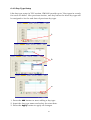
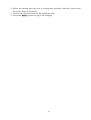
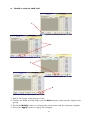
2. Press the up/down Arrow key
to scroll the drop down box and
press the Enter key
to
choose a value.
Or press the Esc key
21
ESC
to abort.