1
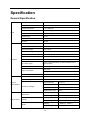
Connecting the Monitor
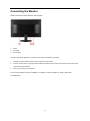
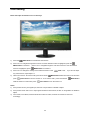
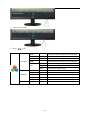
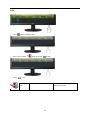
Cable Connections In Back of Monitor and Computer:
1.
Power
2.
DVI cable
3.
D-Sub cable
To protect equipment, always turn off the PC and LCD monitor before connecting.
1
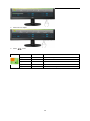
Connect the power cable to the AC port on the back of the monitor.
2
Connect one end of the 15-pin DVI /D-Sub cable to the back of the monitor and connect the other end to the
computer's DVI /D-Sub port.
3
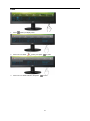
Turn on your monitor and computer.
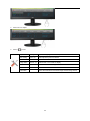
If your monitor displays an image, installation is complete. If it does not display an image, please refer
Troubleshooting.
11