1
Icon
Description
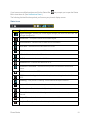
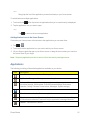
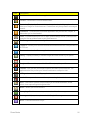
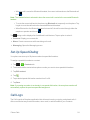
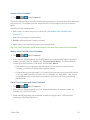
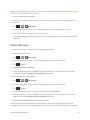
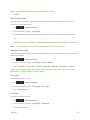
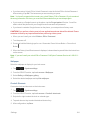
Low Battery – Indicates that battery is low.
Battery Drained (40%) – Indicates that battery is partially drained.
Battery Full – Shows your current battery charge level. (Icon shown is fully charged.)
Battery Charging – Indicates that battery is charging.
Unknown Battery – Indicates that an unknown battery is inserted.
Alarm Clock – Indicates that an alarm is set.
NFC Activated – Indicates that NFC is activated.
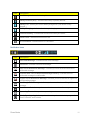
Notification Icons
Icon
Description
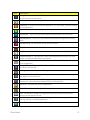
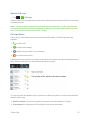
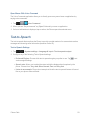
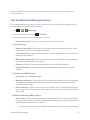
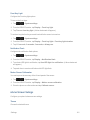
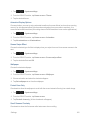
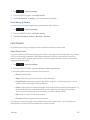
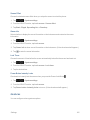
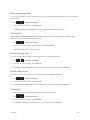
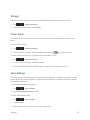
New Gmail Message – Indicates a new Gmail message.
New Email – Indicates a new Email message.
New Text or Multimedia Message – Indicates you have received a new text or multimedia message.
Problem With Text Or Multimedia Message Delivery – Indicates a text or multimedia message is undeliverable.
Urgent Text or Multimedia Message - Indicates you have received an urgent text or multimedia message.
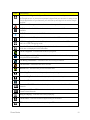
New Google Talk Message – Indicates you have received a new Google Talk message.
New Voicemail – Indicates you have received a new voicemail message.
Upcoming Event – Alerts you to an upcoming event.
Data Is Syncing – Application sync is active and synchronization is in progress for Gmail, Calendar, and Contacts.
Phone Basics
11