1
•
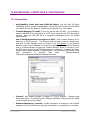
com.avid.xmgr is added by the Transfer Manager Client installshield
•
com.avid.mct is added by the EVS Avid Tools setup (EVS Playback server option)
•
com.avid.pbp is added by the EVS Avid Tools setup (EVS Playback server option)
Remark on the use of Firewalls : Avid transfer Manager is based on a TCP/IP protocol.
Firewalls could block some ports : The following ports 6539/tcp, 6532/tcp, 6535/tcp must be
added in the exception list of the firewall.
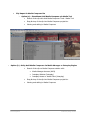
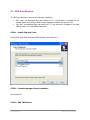
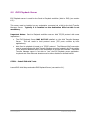
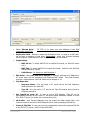
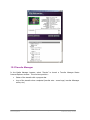
STEP 4 : EVS Playback Server Configuration.
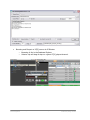
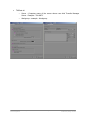
Launch EVS Playback Server :
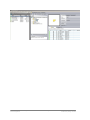
Note : in case of any problem (i.e. RunTime error) to launch the EVS Playback Server,
please check the protocols are well available in the “services” files (see above).
Avid Unity Transfer Manager
EVS Integration
Internal use only
Page 51 of 67
Created by Serge Comes